
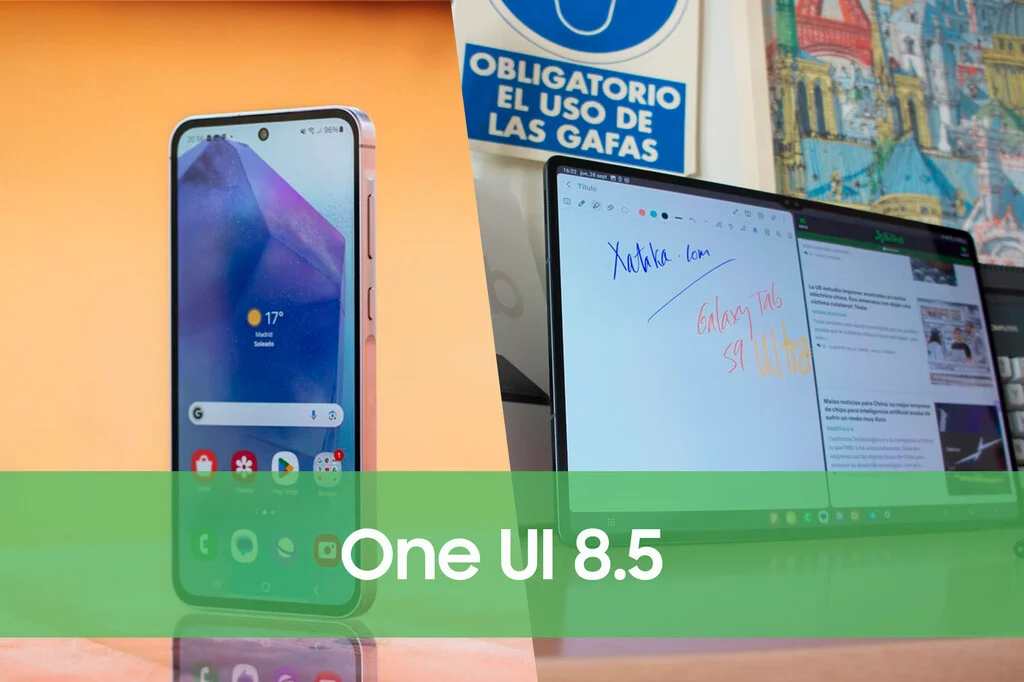

Samsung’s latest custom Android overlay, One UI 8.5, is making significant strides in its rollout, reaching an unprecedented number of Galaxy smartphones and tablets in just its third week since launch. This rapid deployment underscores a notable shift in Samsung’s software update strategy, bringing features based on the advanced Android 16 QPR2 framework to a growing user base, spanning both mid-range and entry-level devices, alongside an expanding fleet of tablets. Users who have not yet received the update are encouraged to check their devices, as the global availability continues to broaden at an accelerated pace.
An Unprecedented Pace for Samsung Updates
The rollout of One UI 8.5 has been distinguished by its remarkable speed, setting new benchmarks compared to previous major software iterations from Samsung. In a testament to enhanced internal efficiency and a renewed commitment to software longevity, the company has managed to deliver the update to a substantial portion of its eligible device ecosystem in record time. Just two weeks post-launch, 22 Galaxy models had already gained access to One UI 8.5. This figure rapidly expanded, with initial reports indicating the update’s arrival on flagship tablets such as the Galaxy Tab S11 series and the Galaxy Tab S10 FE/FE+ models shortly thereafter. The current week marks an even more aggressive phase, adding another 14 models to the growing list of compatible devices.
This accelerated deployment is not merely a matter of convenience; it reflects a strategic imperative for Samsung in a fiercely competitive mobile market. By providing timely updates, Samsung enhances device security, introduces new functionalities, and improves overall user experience, thereby fostering greater customer loyalty and extending the perceived lifespan of its products. Historically, major Android updates could take several months to reach a significant percentage of a manufacturer’s device portfolio. Samsung’s current performance with One UI 8.5 suggests a paradigm shift, where the gap between official release and widespread availability is being dramatically shortened.
Expanding Reach: 14 Additional Models Join the Fold
The latest wave of One UI 8.5 deployment brings the update to a diverse array of Galaxy devices, further cementing Samsung’s commitment to its broader user base. Following the initial rollout to flagship and select mid-range devices, this week’s expansion notably includes models from the mid-range and entry-level segments, as well as a wider selection of tablets that were previously awaiting their turn.
Among the newly added devices, particularly noteworthy is the inclusion of the standard Galaxy Tab S10, which was initially bypassed in the first tablet rollout wave. This demonstrates Samsung’s systematic approach to ensure comprehensive coverage across its tablet lineup. Other tablets now receiving the update include, but are not limited to, popular models such as:
- Galaxy Tab S10
- Galaxy Tab A9, Galaxy Tab A9+
- Galaxy Tab A8
- Galaxy Tab A7 Lite
- Galaxy Tab Active 4 Pro
- Galaxy Tab Active 3
These additions ensure that a broader spectrum of tablet users, from those utilizing their devices for productivity to those seeking entertainment on a budget, can benefit from the latest software enhancements.
Concurrently, a new batch of smartphones, predominantly from Samsung’s highly popular A and M series, are also being updated. While specific regional availability may vary, the general trend indicates that a significant number of mid-range and entry-level handsets are now eligible. Examples of these newly updated smartphone models include:
- Galaxy A54, Galaxy A53, Galaxy A52s
- Galaxy A34, Galaxy A33
- Galaxy M54, Galaxy M53
- Galaxy M34, Galaxy M33
- Galaxy F54, Galaxy F34 (where available in specific markets)
It is common for Samsung to initiate these rollouts in its home market of South Korea, with global distribution typically following within two to three days. This phased approach allows for initial monitoring and feedback before broader deployment, ensuring stability across diverse network environments and regional configurations. Users in other countries should therefore expect the update to become available on their eligible devices imminently if it hasn’t already arrived.
Android 16 QPR2 and Samsung’s Forward-Looking Strategy
A particularly intriguing aspect of the One UI 8.5 update, as noted in initial reports, is its reported foundation on Android 16 QPR2. This designation is unusually forward-looking, given that Android 14 is the current stable release and Android 15 is still in its developmental phases. If accurate, this suggests that Samsung is integrating elements and optimizations from a significantly advanced stage of Android development into its current One UI iteration.
QPR stands for Quarterly Platform Release, which Google uses to deliver new features and improvements between major Android version releases. The mention of "Android 16 QPR2" could imply several things:
- Typographical Error: It could simply be a typo in initial reports, perhaps intended to be Android 14 QPR2 or a reference to Android 15’s early development.
- Aggressive Future-Proofing: More optimistically, it could signify Samsung’s highly aggressive strategy to integrate future Android features and architectural changes much earlier than its competitors. This would align with their recent commitment to providing up to seven years of major OS updates for their flagship devices, necessitating a more proactive approach to software development.
- Internal Development Branch: It might refer to an internal development branch or a specific set of features that are being tested and integrated, which are earmarked for a future Android version’s second quarterly release.
Regardless of the precise interpretation, this detail underscores Samsung’s intensified focus on software innovation and longevity. By potentially laying groundwork for future Android versions, One UI 8.5 could be designed to offer enhanced stability, improved performance, and a smoother transition to subsequent Android releases, benefiting users with a more consistent and up-to-date experience over time.
Enhancing User Experience: Features and Security
Beyond the rapid rollout, One UI 8.5 brings a host of improvements designed to enrich the user experience. While specific feature sets can vary slightly by device, general enhancements typically include:
- Performance Optimizations: Users can expect smoother animations, faster app loading times, and improved overall system responsiveness, making daily interactions with their devices more fluid.
- Enhanced Security: Regular updates are critical for device security. One UI 8.5 incorporates the latest Android security patches, protecting devices from emerging threats and vulnerabilities. This is particularly crucial for safeguarding personal data and ensuring a secure digital environment.
- Battery Life Improvements: Software optimizations often lead to better power management, potentially extending battery life for many users.
- New User Interface Elements: One UI is renowned for its customization options. One UI 8.5 may introduce subtle refinements to the interface, new widgets, or improved accessibility features, making the device more personalized and easier to use.
- Privacy Controls: With an increasing focus on user privacy, updates often include more granular control over app permissions, data usage, and tracking settings, empowering users to manage their digital footprint more effectively.
These improvements collectively contribute to a more robust, secure, and enjoyable mobile experience, making the update highly anticipated by Galaxy users.
The Galaxy S21 FE: A Potential "Best Possible Farewell"
Amidst the ongoing rollout, there is growing speculation regarding the Galaxy S21 FE. Unofficial reports and internal Samsung lists suggest that this popular "Fan Edition" device could also receive the One UI 8.5 update. If confirmed, this would mark a significant and highly appreciated gesture from Samsung, potentially offering the S21 FE its final major software update.
The S21 FE, launched as a more affordable flagship alternative, has been a favorite among many users. Providing it with One UI 8.5 would extend its functional lifespan and ensure that owners can continue to enjoy the latest features and security enhancements for a longer period. This move aligns with Samsung’s broader strategy of extending software support, even if it’s for devices nearing the end of their official update cycle. For many S21 FE owners, receiving this update would indeed represent the "best possible farewell" for a device that has served them well, reinforcing customer loyalty and positive brand perception.
How to Check for and Install One UI 8.5
For Galaxy users eagerly awaiting One UI 8.5, the process of checking for and installing the update remains straightforward and consistent with previous Samsung software updates. It is advisable to periodically check for its availability, especially given the rapid deployment schedule.
To initiate the update process, follow these simple steps:

- Access Settings: Navigate to the "Settings" menu on your Galaxy smartphone or tablet. This is typically represented by a gear icon.
- Locate Software Update: Scroll down towards the bottom of the Settings menu until you find the "Software update" option.
- Check for Updates: Tap on "Download and install." Your device will then connect to Samsung’s servers to check for any available updates.
- Follow On-Screen Prompts: If One UI 8.5 is available for your device, you will be prompted to download it. Ensure you are connected to a stable Wi-Fi network to avoid data charges and ensure a smooth download. Also, ensure your device has sufficient battery charge (at least 50% recommended) or is connected to a power source.
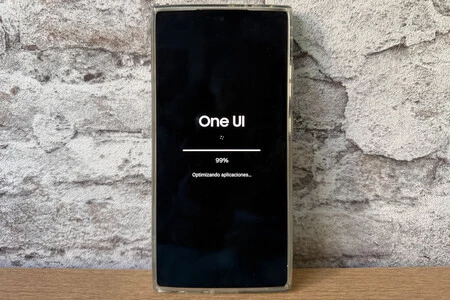
- Installation and Restart: Once the download is complete, follow the on-screen instructions to install the update. This process will typically involve a device restart. The installation may take several minutes, during which your device will be temporarily unavailable.
After the restart, your Galaxy device will boot up with the new One UI 8.5 interface, allowing you to immediately experience all the new features and improvements. It is generally recommended to back up important data before performing a major software update, although issues are rare.
Broader Implications: Samsung’s Evolving Software Strategy
The accelerated rollout of One UI 8.5 and its wide-ranging availability across diverse device categories highlight a significant evolution in Samsung’s software strategy. This commitment to faster and more expansive updates positions Samsung favorably in the market, addressing a key concern for many Android users: long-term software support.
In an era where consumers are holding onto their devices for longer, robust software support becomes a critical differentiator. Samsung’s recent pledge to offer up to seven years of security and OS updates for certain flagship models, combined with the rapid deployment seen with One UI 8.5, signals a concerted effort to enhance the longevity and value proposition of its devices. This strategy not only fosters stronger customer loyalty but also contributes to environmental sustainability by reducing the frequency of device replacement.
Furthermore, by quickly bringing the latest Android features and security patches to mid-range and entry-level devices, Samsung democratizes access to advanced technology. This ensures that users across all price points can benefit from a modern, secure, and feature-rich smartphone experience, reinforcing Samsung’s position as a leading innovator in the global mobile market. The proactive stance with updates like One UI 8.5 is a clear indicator of Samsung’s dedication to maintaining its competitive edge and delivering exceptional value to its vast user base.
