
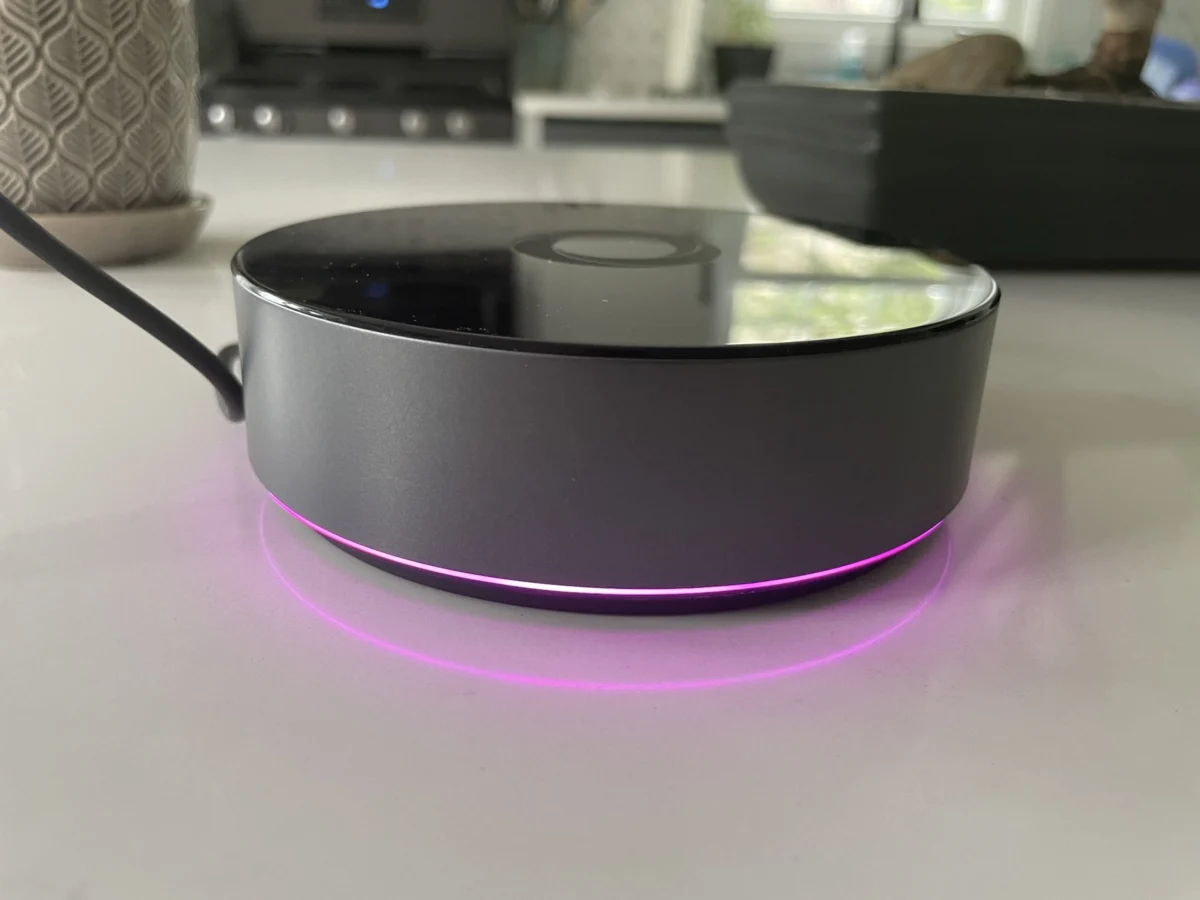

The smart home landscape is constantly evolving, with new hubs and ecosystems vying for consumer attention. Following the earlier introduction of its more accessible Homey Bridge, the premium Homey Pro has now officially landed in the U.S. market, retailing at $399. This robust device promises a significant upgrade over its predecessor, emphasizing local control and a wider array of connectivity options. However, as with any smart home centerpiece, its ultimate value hinges on its ability to integrate with the diverse array of devices that populate modern connected homes.
A New Contender in Local Smart Home Control
The Homey Pro represents a significant leap in processing power and storage compared to the $69 Homey Bridge, which was reviewed in March and received generally positive feedback for its simplicity. The Pro model is engineered to minimize reliance on cloud services, a crucial differentiator for users concerned about privacy and the potential for service disruptions. It boasts 3.5 times the CPU performance, double the RAM (2 GB), and double the storage (8 GB) of the Bridge. This enhanced capability is directly tied to its focus on local processing, meaning core smart home functions and automations can continue to operate even when an internet connection is unavailable, provided the specific devices involved don’t have their own cloud dependencies.
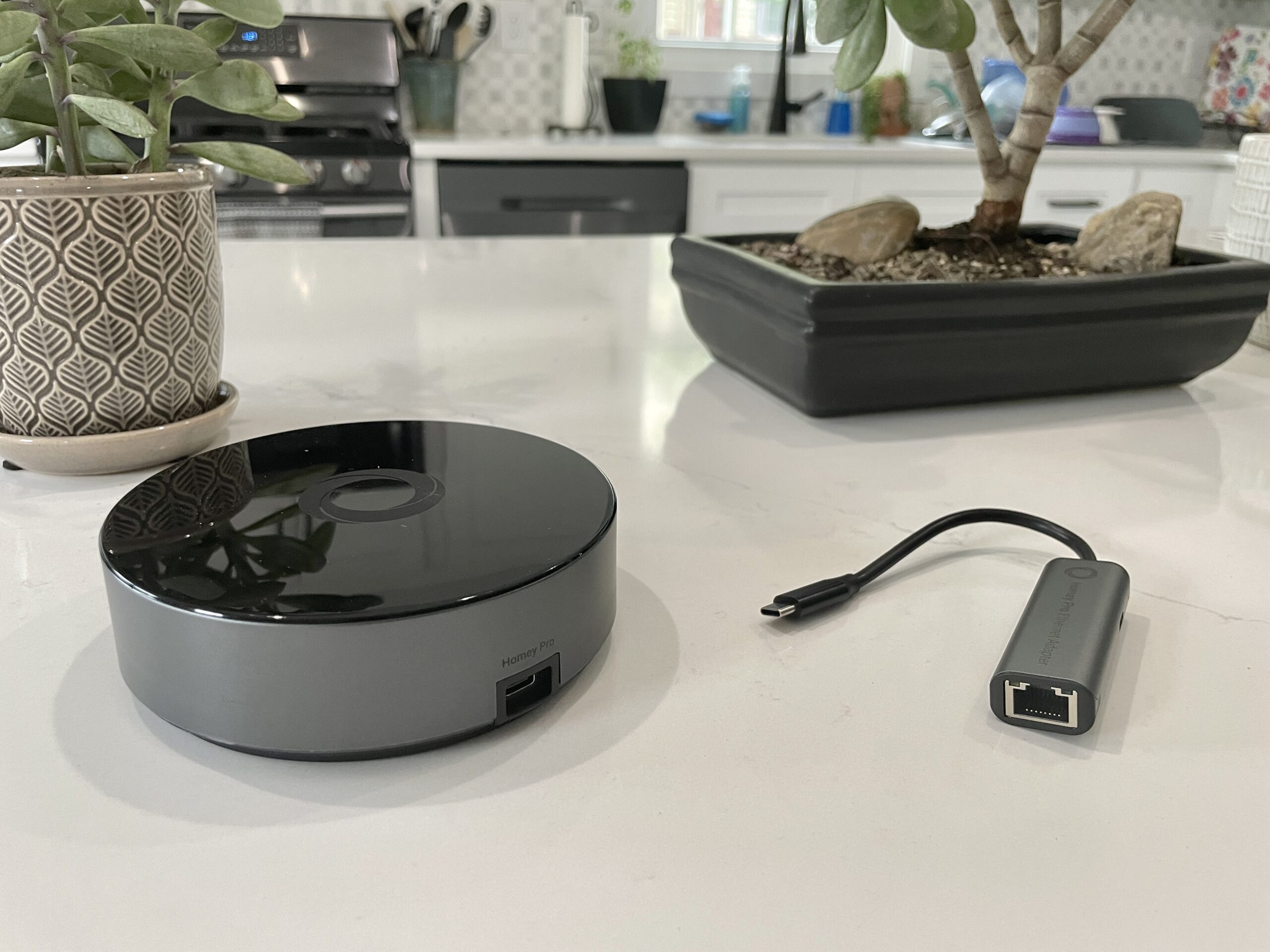
While both the Bridge and Pro share core functionalities such as device management and automation creation, and possess a similar suite of wireless radios (Wi-Fi, Bluetooth, infrared, Zigbee, and Z-Wave for the U.S. model), the Pro introduces several key advantages. A notable addition is the inclusion of a Thread radio, essential for future Matter over Thread compatibility, and a 833MHz radio for older devices. Furthermore, the Pro effectively removes the Bridge’s limitation of supporting only five connected devices without a subscription. While the Bridge incurs a monthly fee for additional devices, the Homey Pro’s only recurring cost is an optional $0.99 per month for cloud backups, a significant reduction from its previously advertised $1.99 fee. Optional Ethernet connectivity is also available for an additional $29.
Seamless Setup, But a Patchy Integration Picture
The initial setup process for the Homey Pro mirrors the user-friendly experience of the Bridge. Users connect the device via its USB-C cable and charger, download the Homey app to their smartphone, and are guided through a series of basic configuration questions. A particularly appreciated aspect of the onboarding is the app’s intelligent inquiry into home layout, asking for details such as the number of floors and the placement of rooms. This level of detail is a departure from the more generic setup procedures often encountered in competing smart home platforms and can streamline subsequent device organization.
Upon successful connection to the home’s Wi-Fi network (supporting both 2.4 GHz and 5 GHz bands), the next critical step is device integration. Homey claims support for over 50,000 devices, a seemingly impressive figure that, in practice, presents a more nuanced reality. During testing, the Homey Pro successfully integrated with approximately half of the smart home devices in the reviewer’s personal setup.

Among the devices that were readily incorporated were Lutron Caseta switches, Philips Hue bulbs, and Sonos speakers. However, a significant number of other commonly used smart home products failed to connect. This included a Schlage door lock, an Ecobee thermostat, Nanoleaf bulbs and light strips, a Govee electric kettle, Wyze cameras, Eve Home devices, a Logitech video doorbell, and most smart plugs.
Navigating Device Compatibility Challenges
The issue of device compatibility is central to the Homey Pro’s appeal and potential drawbacks. While the device is slated to receive Matter support later this year, including Matter over Thread, its current performance with Matter-certified devices is somewhat mixed. The reviewer noted that most of their non-working smart plugs were Matter-certified and utilized Thread, which may explain their lack of immediate connectivity. A Homey representative clarified that if a Matter device operates over Wi-Fi, it should be detectable by the Homey Pro, but devices relying solely on Thread might require the forthcoming Matter integration.
Beyond Matter devices, the absence of specific integrations for certain brands and models proved to be a hurdle. For instance, while Nanoleaf is a supported brand, only its non-traditional shapes (triangles, hexagons, and lines) were recognized. Standard Nanoleaf bulbs and light strips, including older Nanoleaf Essentials models, were not compatible. Similarly, a Meross Garage Door opener also failed to connect.

Even when brands were recognized, specific product integrations sometimes faltered. The Schlage Encode Wi-Fi lock, for example, appeared in the Homey app, but authentication with Schlage credentials resulted in a "No devices found" error. A Govee Wi-Fi kettle, while making some progress, ultimately returned an error message. A Cync by GE smart plug, which is not Matter-certified, also lacked a dedicated integration. Ecobee devices presented another compatibility challenge, with only the Ecobee 3 Lite and Room Sensor being listed as compatible, leaving newer models like the Ecobee Thermostat Premium unsupported. The reviewer noted that a significant portion of their smart home ecosystem has moved away from Zigbee and Z-Wave, suggesting that users with a larger presence of these protocols might experience better integration success.
The Importance of Pre-Purchase Verification
The lack of a readily accessible, comprehensive list of supported product integrations on Homey’s website was a notable oversight during the review process. While a dedicated "Apps" section on their website does provide this information, it requires direct navigation. Homey representatives have since directed users to this resource. The most prudent advice for potential buyers, therefore, is to download the free Homey app and search for their specific devices before committing to a purchase of either the Bridge or the Pro. This proactive step can prevent disappointment and ensure that the chosen hub aligns with the existing smart home infrastructure.
For the devices that did integrate successfully, performance was reportedly excellent, with nearly instantaneous responsiveness when controlled via the Homey Pro.

Developer-Friendly Options and Enhanced User Experience
Homey Pro also caters to technically inclined users by offering the ability to create custom integrations. The product’s web interface provides an API key and sample code in JavaScript and Node.js, suggesting that the Homey Pro operates as a Node.js server. While this functionality is primarily intended for hobbyists and developers, it significantly expands the potential reach of the platform for those with the necessary skills.
Beyond device compatibility, the Homey app itself is a strong asset. It presents a modern and intuitive interface, offering access to both basic and advanced smart home features. The ease with which devices can be assigned to rooms and floors is a standout feature, although the reviewer noted that this assignment is a separate step after initial integration, rather than being part of the device addition process itself.
Energy Monitoring and Advanced Automation
A particularly insightful feature of the Homey Pro is its estimated smart home energy usage monitoring. This data can be viewed in near real-time and historically. To utilize this feature effectively, users must manually input the wattage of each connected device. While this adds an extra step during setup, it provides valuable insights into energy consumption patterns. The system intelligently adjusts energy usage estimates based on device output, such as dimming lights, with power draw reductions accurately reflected. Energy data is accessible through both the mobile app and the web interface. The web interface also offers additional environmental data, including local temperatures, barometric pressure, and humidity. Homey representatives have indicated that if a device is capable of reporting its actual electricity usage, Homey will display and utilize that data.

For automations, Homey employs a system called "Flows," which bears a closer resemblance to the sophisticated automation engines found in platforms like Home Assistant rather than the simpler routines offered by major voice assistants. Flows operate on a "When… and… then…" logic, allowing for conditional execution and the triggering of other Flows. The reviewer found the setup of several Flows to be seamless. Complex Flows can be designed using an advanced mode within the Homey web interface, which also serves as an alternative control and viewing portal for devices.
Conclusion: Potential and Prerequisites
The Homey Pro presents a compelling proposition for consumers seeking a powerful, local-first smart home hub. Its comprehensive suite of radios, robust processing power, and focus on privacy address key desires in the evolving smart home market. The intuitive app and advanced automation capabilities further enhance its appeal.
However, the significant caveat remains device compatibility. With a $399 price tag, users must carefully verify that their existing and planned smart home devices are supported before investing. The reviewer’s experience, where only half of their devices were successfully integrated, highlights the critical need for thorough pre-purchase research. While the promise of future Matter support is encouraging, it does not currently bridge the gap for all unsupported devices.

For those who prioritize local control and data privacy, and whose device ecosystem aligns with Homey’s current integration capabilities, the Homey Pro is a strong contender. However, potential buyers are strongly advised to consult the Homey app’s device catalog before making a purchase to ensure a smooth and comprehensive smart home experience. The market’s shift towards cloud-based services has left a void for powerful local hubs, and Homey Pro aims to fill it, but its success will ultimately depend on its ability to connect with the vast diversity of devices in today’s connected homes.
