
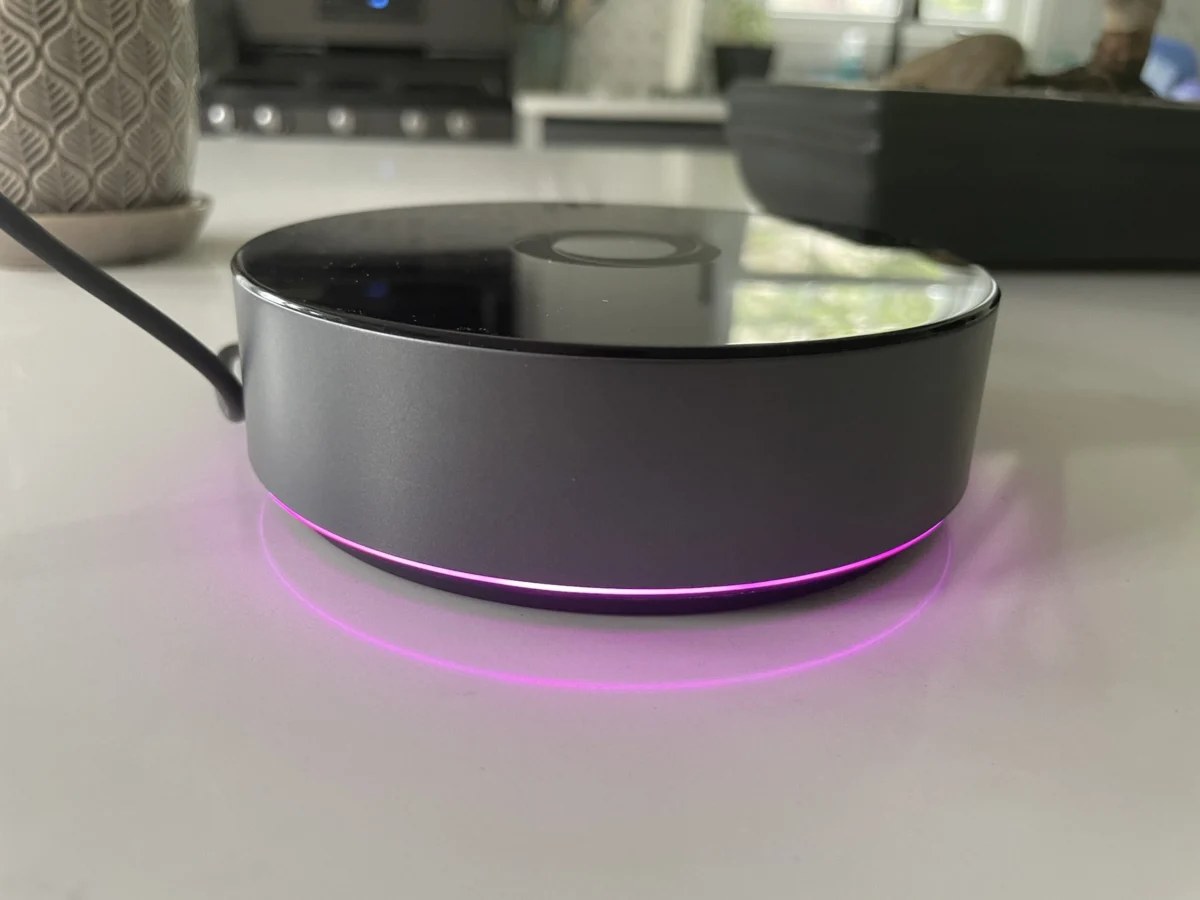

Following the earlier U.S. rollout of the $69 Homey Bridge, smart home manufacturer Athom has officially launched the $399 Homey Pro in the United States. This high-end smart home hub enters the market as a robust alternative to cloud-reliant ecosystems, promising local processing capabilities, an expansive array of built-in wireless radios, and the removal of burdensome device-connection subscription fees. While the hardware showcases immense capability and a polished user interface, early real-world testing indicates that prospective buyers must carefully evaluate their existing hardware ecosystems before investing.
Evolution and Hardware Architecture
The introduction of the Homey Pro marks a significant evolution from its 2019 predecessor, offering a substantial performance upgrade designed to handle heavy automation loads locally. According to manufacturer specifications, the new iteration boasts a central processing unit (CPU) roughly 3.5 times more powerful than the original model. Furthermore, it incorporates 8 GB of internal storage and 2 GB of RAM—double the memory and storage capacity found in the more affordable Homey Bridge.
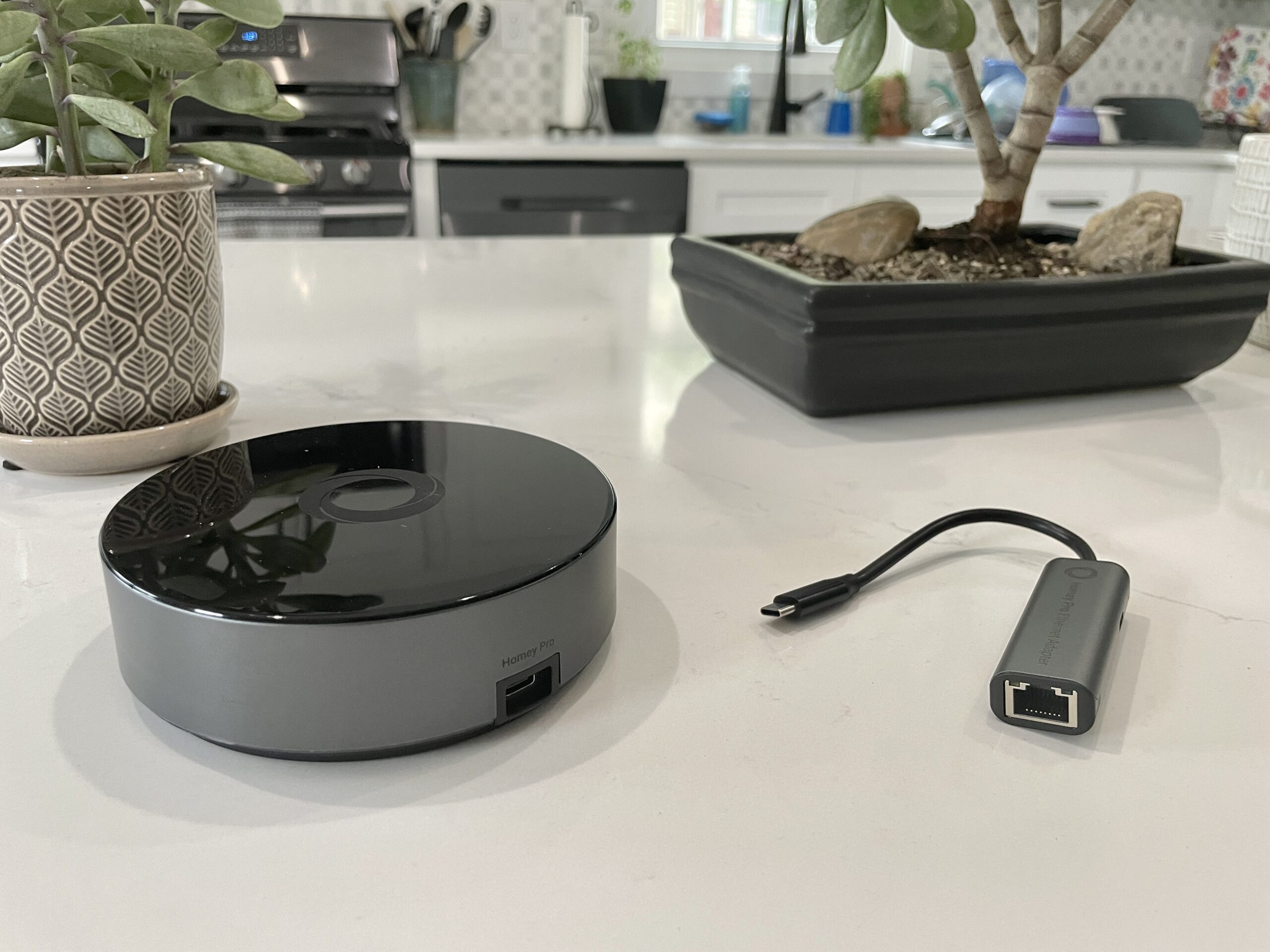
These hardware enhancements are not merely superficial; they directly support the device’s core architectural philosophy. Unlike the Homey Bridge, which heavily relies on cloud infrastructure to manage connected devices and execute routines, the Homey Pro prioritizes local control. By processing commands on the physical device rather than routing them through external servers, the hub ensures enhanced user privacy and guarantees uninterrupted functionality during broadband or internet service outages, provided the affected devices do not inherently require a cloud connection.
In terms of regional radio support, the U.S. variant of the Homey Pro is exceptionally well-equipped. It includes built-in modules for Wi-Fi (supporting both 2.4 GHz and 5 GHz bands), Bluetooth, infrared, Zigbee, Z-Wave, an 833MHz radio for legacy devices, and an integrated Thread radio. Additionally, users requiring a hardwired network connection can purchase an optional Ethernet adapter for an extra $29, while cloud-based backup services are available for a nominal monthly fee of $0.99.
Setup and User Experience
Initial deployment of the Homey Pro has generally garnered praise for its streamlined and intuitive onboarding sequence. Users initiate the process by powering the cylindrical hub via its included USB-C cable and charger, followed by downloading the companion mobile application.

A standout feature during the software configuration is the app’s architectural questionnaire, which prompts users to define their home layout—including the number of floors and the specific rooms located on each level—before device integration begins. This early structural mapping saves considerable time compared to competing ecosystems that require manual room assignment on a device-by-device basis.
The mobile and web interfaces have also been commended for their modern aesthetics and responsiveness. Connected peripherals react almost instantaneously to user inputs within the app. Moreover, the hub features a comprehensive energy-monitoring tool capable of tracking estimated or actual power consumption in real time and historically. By inputting device wattage—or leveraging native power-reporting capabilities—users can visualize energy expenditure, which dynamically adjusts based on device output, such as dimming smart bulbs to 50 percent capacity. The web-based dashboard further extends functionality by displaying local environmental data, including ambient temperature, barometric pressure, and relative humidity.
Automation and the Power of Flows
For complex routine creation, the Homey Pro utilizes a proprietary automation system known as Flows. Departing from the rigid "if-this-then-that" paradigms standard in mainstream consumer platforms like Amazon Alexa, Apple HomeKit, and Google Home, Flows adopt a more flexible "when-and-then" framework.

Advanced users can incorporate "else" conditional logic, chain multiple Flows together, or utilize an advanced editor accessible via the web interface. These capabilities draw favorable comparisons to open-source powerhouses like Home Assistant. For developers and hobbyists, Athom provides API keys and JavaScript/Node.js documentation, allowing technically inclined users to author custom integrations directly via the hub’s underlying server architecture. However, industry analysts note that this developer-centric feature remains largely inaccessible to mainstream consumers.
Compatibility Hurdles and Device Support Realities
Despite its impressive technical credentials, the Homey Pro faces significant hurdles regarding device compatibility. Athom markets the hub with claims of supporting over 50,000 devices through an expansive library of community- and manufacturer-developed apps. However, practical deployment reveals notable friction points.
In comprehensive testing environments, high-end hubs frequently fall short when attempting to ingest mixed-brand ecosystems. While industry-standard platforms like Lutron Caseta dimmers, Philips Hue smart lighting, and Sonos audio systems integrate seamlessly, popular alternatives often encounter severe roadblocks. Devices such as Schlage smart locks, specific iterations of Ecobee thermostats and remote sensors, Nanoleaf smart bulbs, Govee kitchen appliances, Wyze security cameras, Eve Home monitors, and various smart plugs frequently fail to initialize.

Much of this friction stems from the evolving landscape of smart home communication standards, specifically the Matter protocol and its underlying transport technology, Thread. While Athom has integrated Thread hardware into the Pro, full software support for Matter-over-Thread devices has faced staggered deployment timelines. For instance, smart plugs operating exclusively over Thread frequently return initialization failures, while certain Wi-Fi-based Matter integrations exhibit erratic behavior.
Brand recognition within the Homey app store does not guarantee universal hardware compatibility. In several instances, older or newer generation models from supported manufacturers—such as specific Ecobee Premium thermostats or newer sensor variants—lack native profiles, resulting in error messages or "no devices found" prompts during the authentication phase.
Manufacturer Clarifications and Industry Implications
Following initial evaluation reports, representatives for Athom clarified several technical aspects regarding the hub’s ecosystem. Company officials emphasized that Wi-Fi-based Matter devices are generally compatible upon setup, and that actual electricity consumption metrics are automatically parsed when connected hardware supports native energy reporting. Furthermore, developers maintain a public directory categorized under the "Apps" section of the official website, allowing consumers to verify integration availability prior to purchase.

Industry observers suggest that the Homey Pro occupies a unique market niche. For privacy-conscious enthusiasts who operate legacy Zigbee and Z-Wave networks, the hub offers a compelling, subscription-free command center that rivals traditional professional automation controllers. Conversely, households heavily invested in modern cloud-dependent ecosystems, proprietary Thread networks, or unrepresented brand variants may find the current device support matrix overly restrictive.
As the smart home sector transitions toward universal interoperability standards like Matter, hubs that bridge local-control reliability with broad ecosystem compatibility will likely dictate market adoption. Until software updates fully mature, experts advise prospective buyers to thoroughly audit their existing hardware inventories against the Homey app registry before committing to the $399 hardware investment.
