
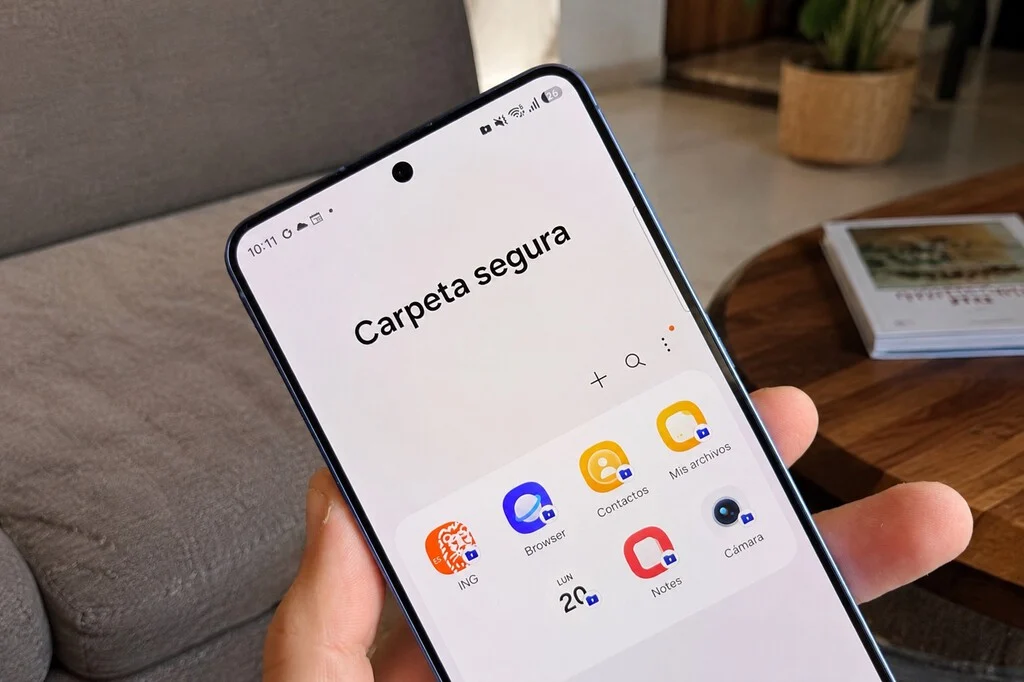

Samsung’s Secure Folder, often relegated to a seldom-used feature activated once and then forgotten, is far more than a simple repository for private photos and videos. While its efficacy in safeguarding sensitive media is undeniable, limiting its application to this singular function overlooks a significant portion of its robust capabilities. Integrated deeply within Samsung’s Knox security platform, Secure Folder establishes an isolated, encrypted environment within a Galaxy device, effectively operating as a separate digital space complete with its own applications, accounts, and heightened privacy protocols, distinct from the phone’s primary operating system. This technological architecture positions Secure Folder as a versatile tool with profound implications for digital wellness, application testing, enhanced security, productivity, and work-life balance.
The Technological Foundation: Samsung Knox and Secure Folder’s Genesis
The Secure Folder’s formidable capabilities are rooted in Samsung Knox, an enterprise-grade security framework designed to provide multi-layered defense against malware, intrusion, and data breaches. Introduced in 2013, Knox was initially developed to meet the stringent security requirements of government and enterprise clients, offering hardware-backed security features from the chip up. Secure Folder, which became a standard feature on many Galaxy devices starting around 2017, represents a consumer-facing application of this advanced security architecture. It creates a "container" — a logically separated and encrypted space — on the device, ensuring that data and applications within it cannot interact with or be accessed by the rest of the phone’s system without explicit authentication. This containerization is critical; it means that even if the main part of the phone is compromised, the Secure Folder’s contents remain protected by an additional layer of biometric or password security, along with hardware-level encryption. This foundational security makes it an invaluable asset for users seeking enhanced privacy and control over their digital lives.
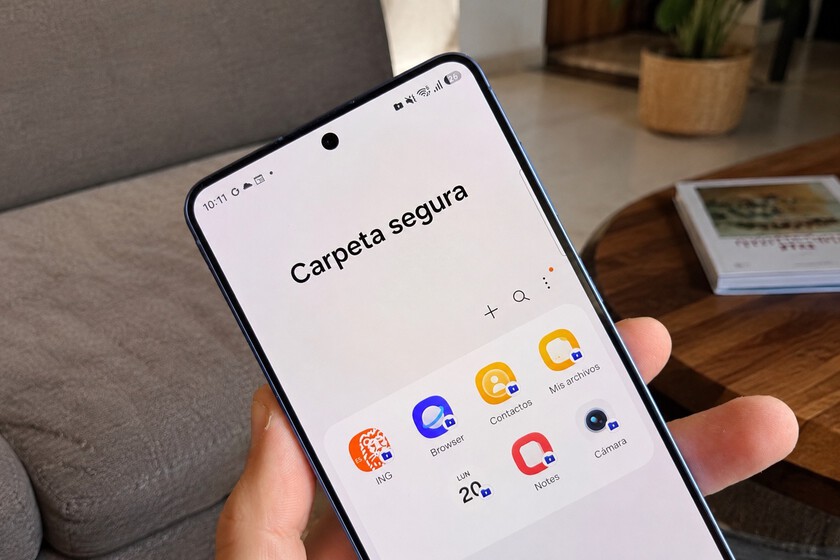
Beyond the Gallery: A Hub for Digital Wellness and Focused Living
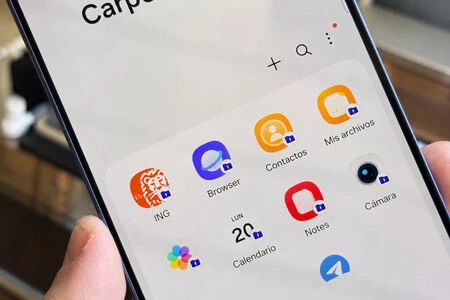
One of the most compelling, yet often underutilized, applications of Secure Folder lies in its potential to foster digital wellness and combat the pervasive issue of smartphone distraction. Social media platforms like Instagram, X (formerly Twitter), TikTok, and other highly engaging applications frequently consume more time than users intend. By relocating these applications into the Secure Folder instead of keeping them readily accessible on the main home screen, users introduce a deliberate layer of friction to their engagement.
The process of accessing these apps within the Secure Folder requires an additional step of authentication—be it a PIN, pattern, or biometric scan. This seemingly minor impediment is often sufficient to disrupt the automatic, often unconscious, habit of opening distracting applications. Behavioral psychology suggests that even small barriers can significantly reduce impulsive actions. For a user accustomed to mindlessly tapping an icon, the necessity of unlocking a separate secure environment provides a moment of conscious decision-making, allowing them to reconsider whether accessing the app aligns with their immediate goals or productivity needs. Furthermore, disabling notifications for these "quarantined" apps within the Secure Folder amplifies this effect. This ensures that users are not constantly pulled back into these digital spaces by alerts, thereby reclaiming control over their attention and reducing cognitive load. In an era where digital addiction is a growing concern, Secure Folder offers a practical, built-in solution for self-regulation and intentional smartphone use, serving as a personal digital detox zone within the device itself.
Secure Sandboxing for Experimental Applications
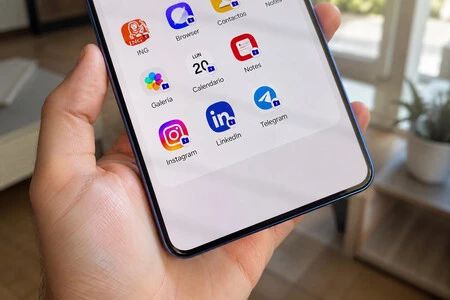
For power users, developers, or simply those curious about new software, Secure Folder offers an unparalleled "sandbox" environment for testing unverified or nascent applications. The practice of sideloading applications—installing them from sources other than official app stores like Google Play—carries inherent risks. Such applications might contain malware, request excessive permissions, or exhibit unstable behavior that could compromise the device’s integrity or personal data.
Traditionally, testing such software might involve using a secondary device or virtual machine, which is often impractical for the average user. Secure Folder streamlines this process by creating an isolated testing ground. Any application installed within this secure space is contained and prevented from interacting with the core operating system or other applications outside the folder. If an app proves to be malicious, unstable, or simply undesirable, it can be uninstalled from the Secure Folder without leaving any residual traces or impacting the main system. This feature is particularly valuable for beta testers, tech enthusiasts, or anyone who frequently explores new and unproven software, offering a safety net that protects the integrity of their primary digital environment. It minimizes the risk of data corruption, privacy breaches, or system instability, providing peace of mind while exploring the vast ecosystem of Android applications.
Fortifying Sensitive Data: A Second Layer of Security
While no digital security measure is foolproof, Secure Folder can provide an additional, robust layer of protection for applications containing highly sensitive personal data, such as banking apps, cryptocurrency wallets, or confidential document managers. Placing these applications within the Secure Folder means they are shielded by the device’s primary security (PIN, pattern, fingerprint for the entire phone) and an additional, independent layer of authentication specifically for the Secure Folder itself.
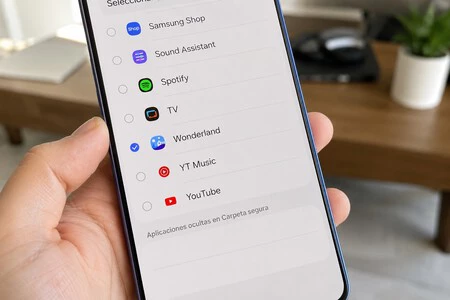
This dual-layer authentication significantly raises the bar for unauthorized access. In scenarios where a device might be temporarily accessed by another individual or even if the primary lock screen is compromised, the Secure Folder acts as a robust secondary barrier. However, it is crucial to approach this use case with informed caution. Some financial institutions implement stringent security protocols that might detect and potentially restrict the functionality of their applications when running within a containerized environment like Secure Folder. This is often a preventative measure against potential rooting or unauthorized modifications of the operating system, which could be misidentified by the app’s security checks. Therefore, users are strongly advised to test the full functionality of their banking or financial applications within the Secure Folder immediately after moving them. Verifying that all features, including transactions, biometric logins, and notifications, operate normally is paramount before fully relying on this setup for critical financial management. This proactive verification ensures that the added security does not inadvertently impede necessary functionality.
Advanced Application Cloning: Beyond Dual Messenger Limitations
Samsung’s One UI offers a "Dual Messenger" feature that allows users to clone specific messaging applications, facilitating the use of two separate accounts (e.g., a personal and a business WhatsApp) on the same device. However, this feature is often limited to a predetermined list of messaging apps. Secure Folder dramatically expands this capability, transforming into a universal application cloner.
Within the Secure Folder, users can install a completely separate instance of virtually any application available on their device. This opens up a myriad of possibilities:
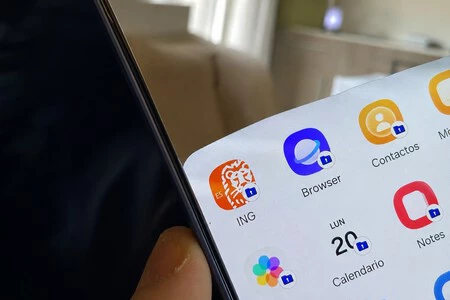
- Multiple Social Media Profiles: Run a personal Instagram account on the main system and a separate, professional, or niche interest account within Secure Folder.
- Gaming Accounts: Maintain distinct profiles or save states for games without needing to log in and out.
- Browser Segregation: Have a main Chrome browser with personal bookmarks and history, and a separate Chrome instance in Secure Folder with work-related bookmarks, a different default search engine, and isolated browsing history.
- Streaming Services: Manage separate Spotify or Netflix profiles, perhaps for family members or different usage contexts.
Each cloned application operates independently, maintaining its own data, settings, and login credentials, completely isolated from its counterpart on the main system. The primary cost associated with this extensive cloning capability is storage, as each duplicated application effectively occupies its own space on the device. This flexibility provides an unprecedented level of organizational control and privacy, allowing users to compartmentalize their digital identities and activities without the need for multiple devices or cumbersome account switching.
The Dedicated Space: Segregating Professional and Personal Life
In the absence of native multi-user profiles akin to those found in stock Android, many Samsung Galaxy users have creatively leveraged Secure Folder to establish a clear demarcation between their professional and personal digital lives. The increasing prevalence of remote work and the blurring lines between personal and professional time have made such segregation more critical than ever.
By dedicating the Secure Folder to work-related applications, users can create a "work phone within a phone." This might include:
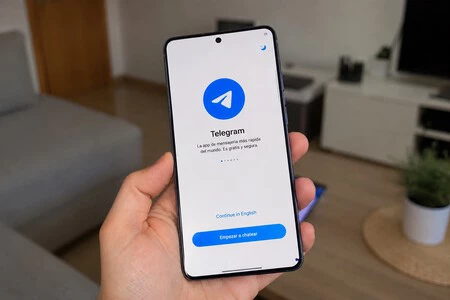
- Work Email Client: A separate email application logged into a corporate account, isolated from personal emails.
- Professional Messaging: A distinct instance of WhatsApp or Telegram linked to a work-specific SIM card or number, ensuring work communications are separate from personal chats.
- Work Productivity Apps: Project management tools, CRM software, or document editors used solely for professional tasks.
- Work Browser: A browser with specific work-related bookmarks, extensions, and a separate browsing history.
This approach ensures that when a user is "off the clock," they can effectively disengage from work by simply not accessing the Secure Folder. Unlike a full multi-user profile, the Secure Folder does not create a completely separate home screen or notification panel for work. However, simple adjustments, such as configuring the Secure Folder to require authentication each time it’s accessed or setting a longer lockout timer, can significantly enhance the psychological and practical separation. This strategy helps maintain mental boundaries, preventing the constant intrusion of work-related notifications and tasks into personal leisure time, thereby contributing to improved work-life balance and reduced digital fatigue.
Addressing Underutilization and Promoting Adoption
Despite its extensive utility, Secure Folder remains an underutilized feature for many Samsung Galaxy owners. Several factors contribute to this:
- Lack of Awareness: Many users are simply unaware of the full range of capabilities beyond photo hiding. The feature’s initial marketing often emphasized its privacy aspect for media.
- Perceived Complexity: The concept of a "secure space" or "containerization" might sound technical or daunting to average users.
- Initial Setup Friction: While straightforward, the initial setup process might be a barrier for those who prefer immediate gratification.
- Default Behavior: Users tend to stick with default app placements and usage patterns unless a compelling reason or clear instruction guides them otherwise.
Samsung and technology educators could play a more proactive role in highlighting these advanced uses. Tutorials, integration into device setup flows, and contextual prompts could encourage users to explore Secure Folder’s potential for digital wellness, productivity, and enhanced security. Emphasizing its role in personal data sovereignty and mental well-being could resonate deeply with a user base increasingly concerned about these issues.
Broader Impact and Implications
The comprehensive functionality of Samsung’s Secure Folder carries significant implications across several domains:
- Enhanced Mobile Security: By providing an isolated, encrypted environment, Secure Folder elevates the baseline security for sensitive data and applications, offering a robust defense against various cyber threats.
- User Empowerment and Privacy: It grants users greater control over their digital footprint, allowing them to compartmentalize personal information and manage privacy settings with granularity.
- Productivity and Focus: The friction introduced by Secure Folder for distracting apps can lead to improved concentration and more intentional digital engagement, boosting overall productivity.
- Work-Life Integration: For professionals, it offers a practical solution for maintaining boundaries between work and personal life on a single device, fostering better mental health and reducing burnout.
- Competitive Advantage: For Samsung, Secure Folder, backed by Knox, differentiates its devices by offering a powerful, integrated security and productivity suite that goes beyond what many competitors provide out-of-the-box.
In conclusion, the perception of Samsung’s Secure Folder as merely a "safe for photos" is a disservice to its sophisticated design and multifaceted utility. Once users move past this initial, limited understanding and begin to explore its capabilities as a truly independent, secure digital space, the Secure Folder reveals itself as an indispensable tool. It empowers users to manage their digital lives with greater security, privacy, and intentionality, transforming their Galaxy device into a more versatile and personalized instrument for both personal and professional endeavors. The journey from a simple "candado" (lock) to a comprehensive digital workspace underscores its untapped potential and the ongoing evolution of mobile device functionality.
