


Virtual machine (VM) software for Windows has transformed from an experimental utility into a fundamental pillar of modern computing infrastructure. By allowing users to emulate complete computer systems—including virtual CPUs, memory, network interfaces, and storage—on a single physical machine, virtualization bridges the gap between hardware constraints and software demands. Whether enterprises are consolidating server infrastructure, developers are testing cross-platform compatibility, or IT professionals are isolating security threats, selecting the right VM software directly impacts operational efficiency and system stability.

To help organizations navigate an increasingly crowded market, industry analysts have evaluated the leading virtual machine solutions for Windows, examining critical metrics such as performance, resource management, scalability, security, and cost.
Evolution and Background of Windows Virtualization

The concept of virtualization dates back to the mainframe computers of the 1960s, but it was not until the early 2000s that x86 hardware virtualization became viable for personal computers and enterprise servers alike. For decades, running multiple operating systems concurrently required expensive auxiliary hardware or cumbersome dual-boot configurations. The introduction of hypervisor-based software changed the landscape entirely.
In the Windows ecosystem, virtualization evolved rapidly with the release of Microsoft’s own hypervisor technologies and third-party tools like VMware Workstation. Over the years, the market matured from simple desktop testing tools into sophisticated hybrid-cloud engines capable of orchestrating thousands of workloads simultaneously. However, recent strategic shifts by major technology providers—such as Microsoft’s deprecation timelines for standalone Hyper-V Server products—have forced businesses to re-evaluate their virtualization strategies, pushing them toward modern hybrid architectures like Azure Stack HCI and cloud-native Kubernetes integrations.
Comprehensive Comparison of the Top Virtual Machine Solutions for Windows
Selecting the appropriate virtualization platform requires balancing hardware capabilities, budgetary constraints, and administrative overhead. The top six virtual machine software solutions for Windows cater to drastically different use cases, ranging from hyper-scale cloud deployments to local desktop environments.
Azure Virtual Machines (Azure VM)
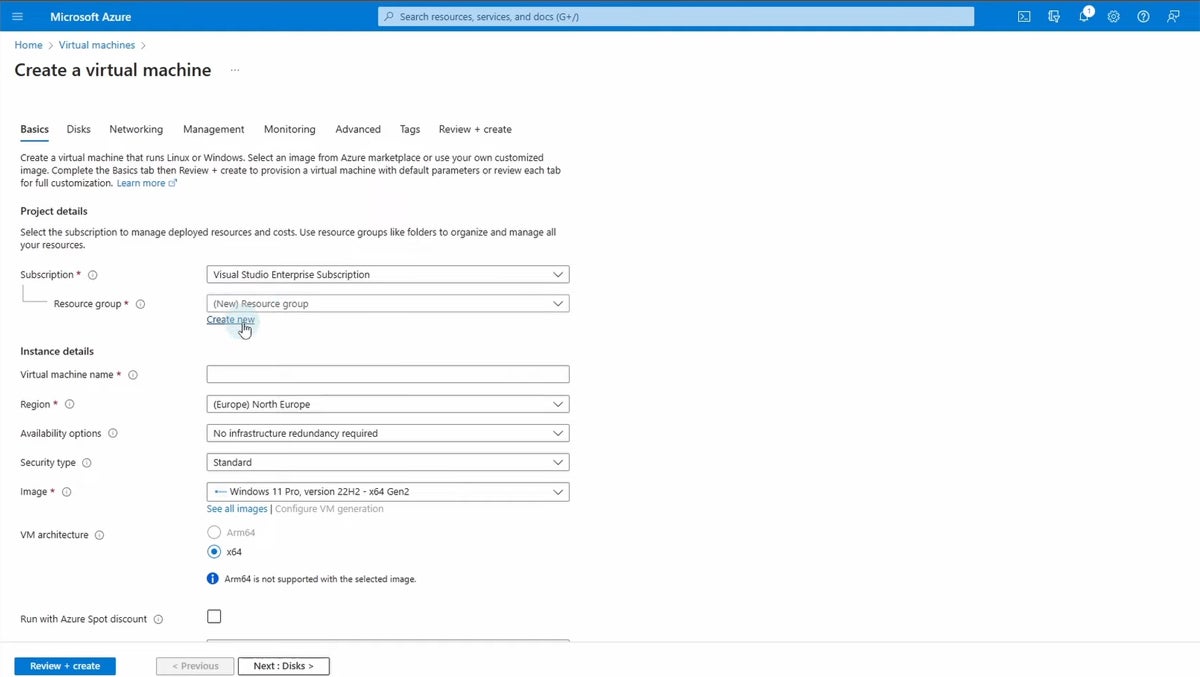
Priced starting at $7.59 per month with flexible scaling plans, Azure VM is tailored for scalable, cloud-based computing. As an integral component of Microsoft’s Azure cloud ecosystem, it enables organizations to provision virtual machines rapidly across global data centers. It supports a vast array of operating systems, including Windows and Linux, making it ideal for web hosting, database management, and elastic development environments. While it offers unmatched global redundancy and seamless integration with Active Directory and SQL Database, its complex pricing structures and variable consumption costs can overwhelm smaller IT teams.
Azure Stack HCI
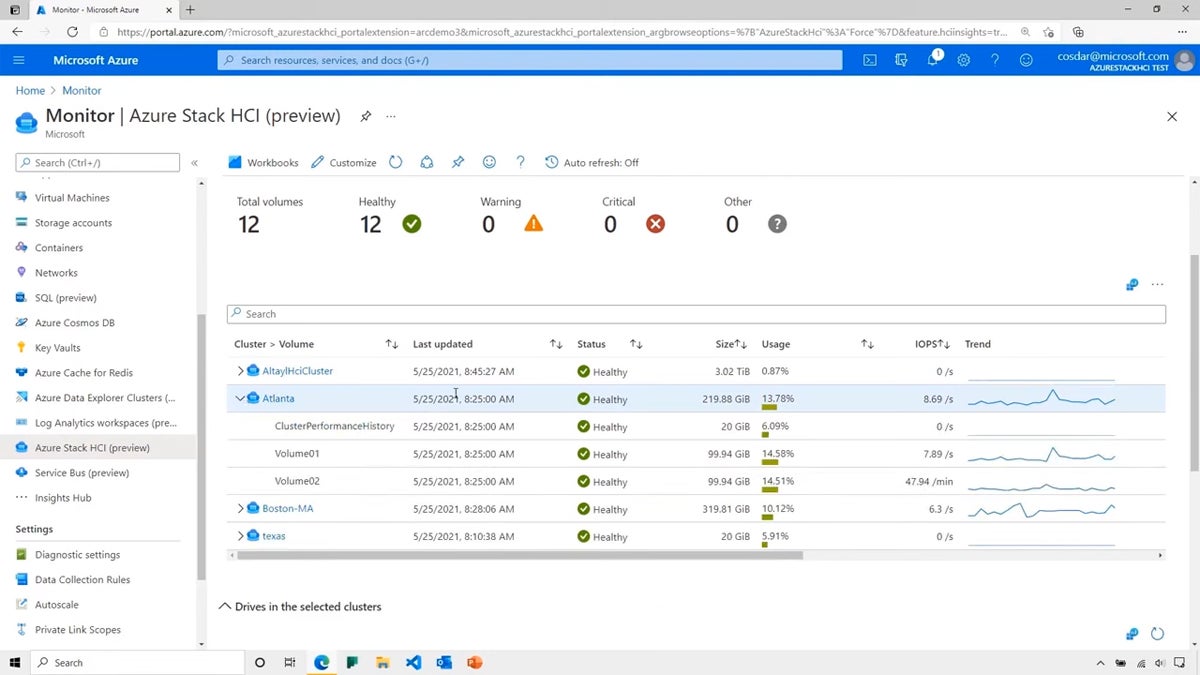
Targeting hybrid cloud environments that demand rigorous on-premises control, Azure Stack HCI starts at $10 per physical core per month. This hyper-converged infrastructure (HCI) solution integrates compute, storage, and networking into a unified on-premises appliance that connects directly to Azure services. It is particularly valuable for enterprises that must keep sensitive workloads locally while leveraging cloud-based management tools like Windows Admin Center and Azure Arc. Although praised for its high availability and unified management, the steep initial hardware and configuration requirements make it less suitable for smaller organizations.
VMware Workstation Pro
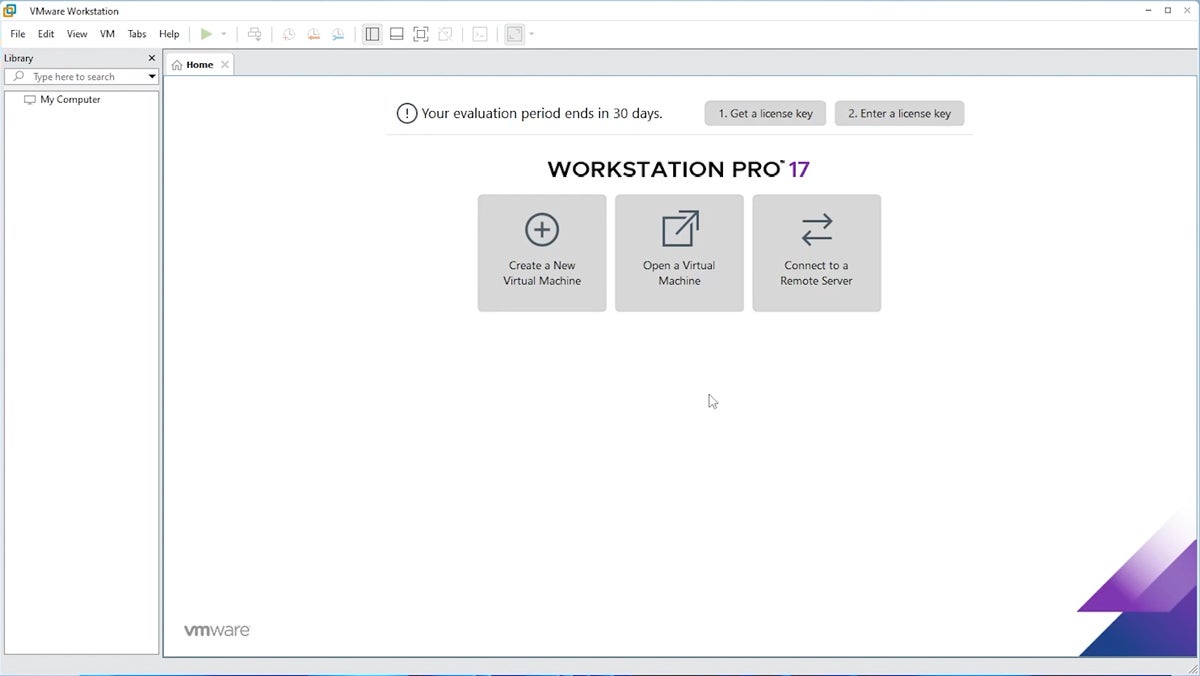
Long considered the gold standard for local desktop virtualization and advanced networking simulation, VMware Workstation Pro is available for a one-time fee of $199 for local features. It is engineered for IT professionals and developers who need to run complex, multi-tiered virtual environments on a single physical Windows or Linux PC. Notable for its robust snapshot, cloning, and advanced virtual networking capabilities, VMware Workstation Pro provides deep operating system compatibility. Its primary drawbacks include a demanding hardware footprint and a steeper learning curve for novice users.
Citrix Hypervisor
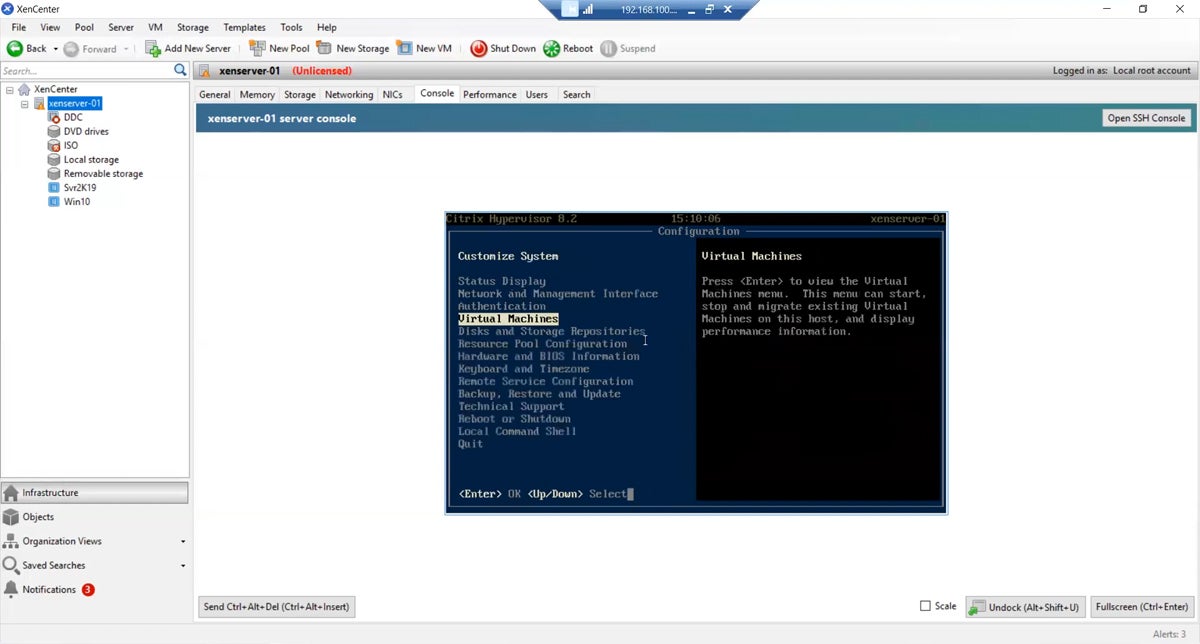
Formerly known as XenServer, Citrix Hypervisor is an enterprise-grade virtualization management platform optimized for large-scale server deployments. Known for its robust performance in handling massive virtual server farms and its open-source foundations, it excels in high-density data center environments. While it delivers exceptional scalability and robust security isolation, its configuration complexity and primary focus on server infrastructure rather than desktop environments mean it is rarely deployed by smaller businesses.
Red Hat OpenShift Virtualization
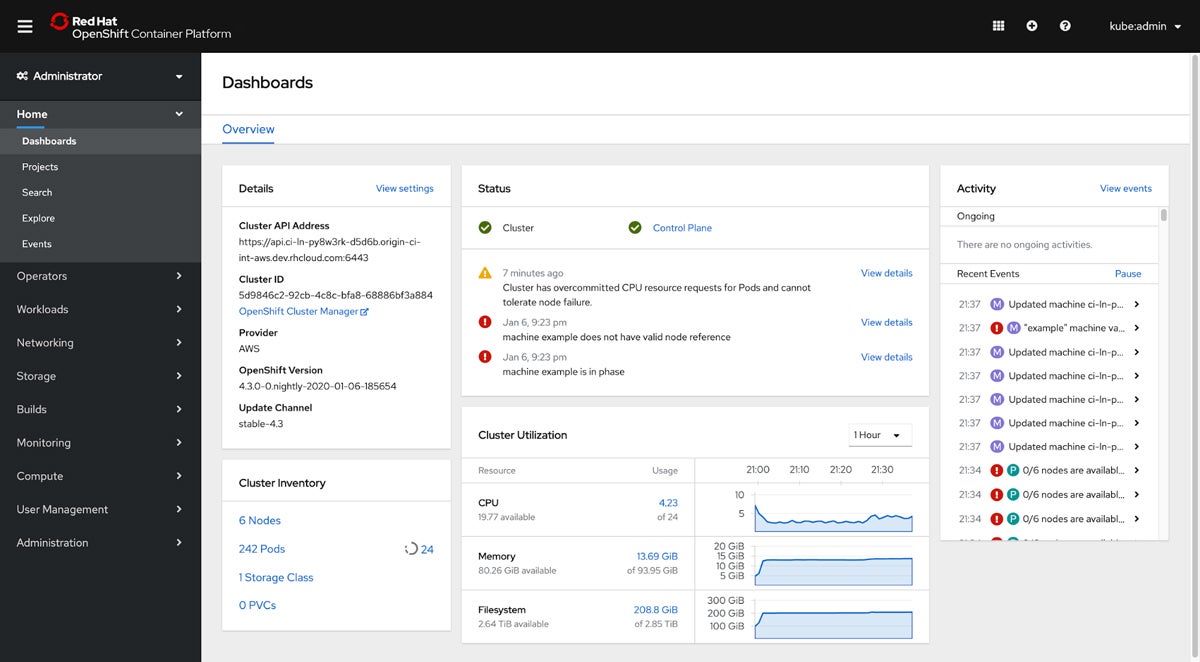
Priced based on custom server editions, Red Hat OpenShift Virtualization addresses the modern challenge of unifying containerized and virtualized workloads. Built directly into the Red Hat OpenShift Kubernetes platform, it allows enterprises to run traditional virtual machines alongside cloud-native container applications on a single control plane. This hybrid architecture is ideal for organizations modernizing legacy applications. However, successfully managing the platform requires deep proficiency in both traditional virtualization and Kubernetes orchestration.
Parallels Desktop
Priced at $99.99 per year for the Standard Edition, Parallels Desktop is purpose-built for macOS users who need to run Windows applications seamlessly without rebooting. It stands out for its consumer-friendly interface, deep integration with macOS gestures, and Coherence mode, which allows Windows programs to run as if they were native Mac applications. While highly effective for office productivity and cross-platform development, it is not optimized for heavy server virtualization or high-end graphics rendering.

Key Technical Criteria and Evaluation Methodology
Evaluating virtual machine software involves a rigorous, multi-faceted analysis of performance metrics, security architecture, and total cost of ownership. Industry evaluations typically weigh core software features at 50%, cost transparency at 25%, and vendor support at 25%.
Performance and Resource Management
Accounting for 10% of overall evaluative weight, performance and resource management dictate how efficiently a hypervisor allocates CPU cores, RAM, and storage. Dynamic resource allocation—such as scaling resources during traffic spikes and throttling back during idle periods—ensures host system stability. In evaluations, VMware Workstation Pro frequently leads local solutions in resource handling, while Azure VM dominates cloud-based scaling metrics.
Compatibility, Security, and Networking
Compatibility with diverse hardware configurations, x86 and ARM CPU architectures, and legacy or modern Windows releases ensures long-term viability. Furthermore, stringent security isolation is mandatory to prevent compromised VMs from infecting the host system or adjacent environments. Solutions featuring hardware-assisted security, secure boot, and robust encryption score highest. Networking capabilities—including Network Address Translation (NAT), bridged networking, and isolated host-only configurations—provide the necessary flexibility for complex development and testing workflows.

Implications and Future Outlook of Windows Virtualization
The virtualization market is undergoing a structural transformation. As enterprises shift toward containerization, microservices, and hybrid cloud models, traditional hypervisors are being forced to adapt. Tools that bridge the gap between virtual machines and containers—such as Red Hat OpenShift Virtualization—represent the future of enterprise infrastructure.
Concurrently, the retirement of legacy tools like Microsoft Hyper-V Server underscores the industry’s migration toward unified cloud-managed platforms like Azure Stack HCI. For organizations relying on Windows infrastructure, choosing the correct VM software is no longer just about running an alternative operating system; it is a foundational strategic decision that dictates security posture, scalability, and long-term capital expenditure.
Regardless of the virtualization platform chosen, administrators must ensure comprehensive disaster recovery plans are in place. Implementing robust virtual machine backup solutions remains a critical safeguard against data loss, hardware failure, and malicious cyber attacks, ensuring continuous business operations in an increasingly digital economy.
