
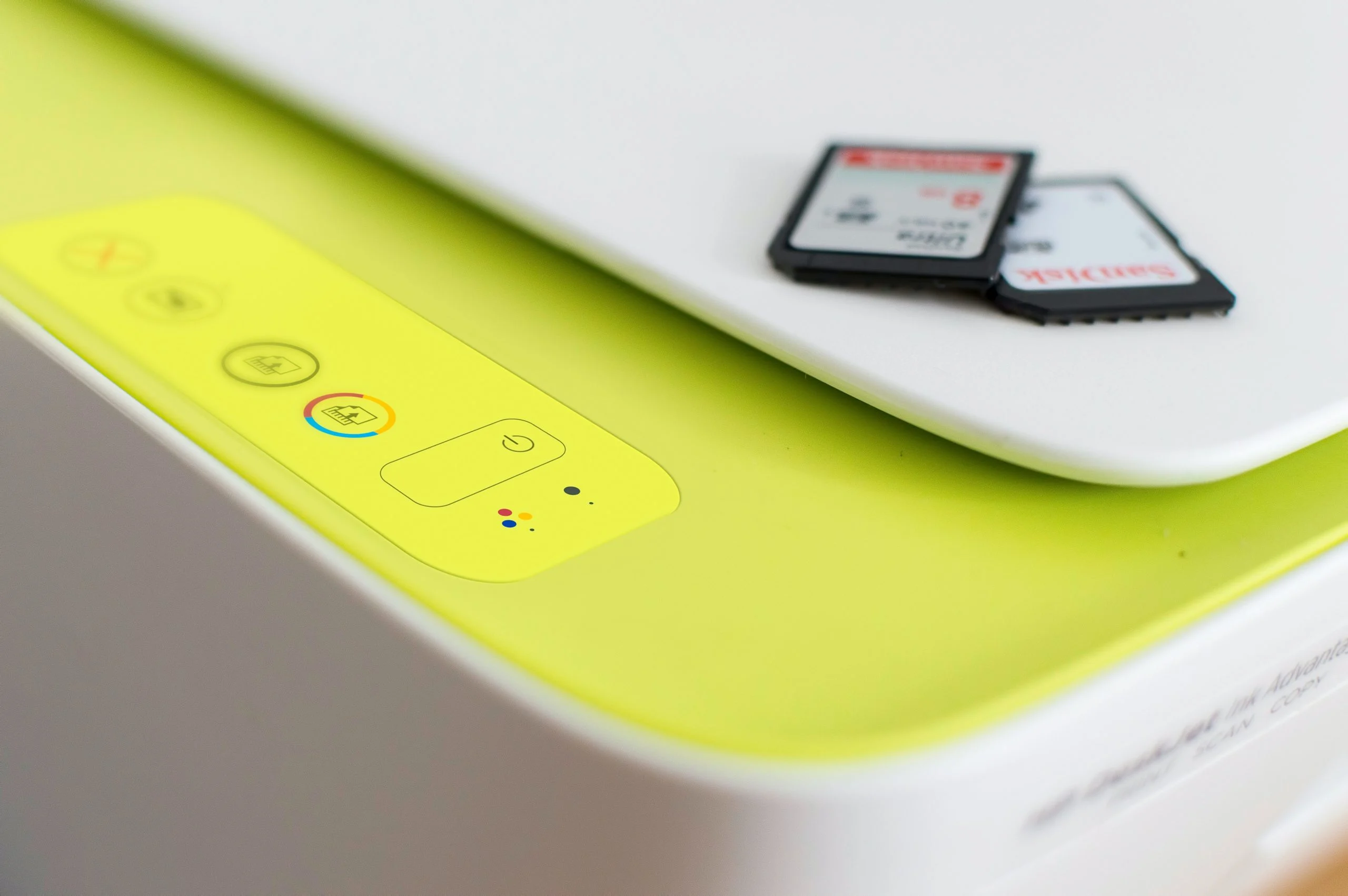

A print server acts as a central nexus for orchestrating print requests originating from a multitude of devices across a network, intelligently allocating these tasks to the appropriate printers. By establishing a seamless connection between numerous personal computers and a shared pool of printing resources, it effectively eliminates the need for individual printer-to-PC connections, thereby streamlining the entire printing workflow. Understanding the fundamental purpose and multifaceted features of a print server is paramount for any organization aiming to enhance its printing capabilities and optimize the utilization of its technological assets. This comprehensive exploration delves into the necessity of print servers, elucidating their core functions, operational mechanisms, prevalent challenges, and the substantial benefits they confer.
What Exactly is a Print Server?
At its core, a print server is a specialized piece of hardware or software designed to create and manage network connections between multiple printers. Instead of each printer being directly tethered to an individual workstation, users can submit their print jobs to the print server. This central unit then takes on the responsibility of distributing these jobs to the designated printer, ensuring efficient bandwidth utilization, minimizing bottlenecks, and guaranteeing that each print task is routed correctly and executed promptly.
Historically, print servers were often dedicated hardware appliances. However, with the significant advancements in processing power and wireless networking technologies, many of the functions traditionally handled by a dedicated print server can now be managed by networked computers acting in a server role or even integrated directly into modern Wi-Fi-enabled printers. Despite these technological evolutions, dedicated print servers remain a critical component for large enterprises and organizations with geographically dispersed campuses or complex network infrastructures that demand robust, centralized print management.
Print servers can broadly be categorized into two primary types: wired and wireless. Wired print servers typically connect to the network via Ethernet cables, offering a stable and high-speed connection, which is often preferred in environments where consistent performance is crucial. Wireless print servers, on the other hand, leverage Wi-Fi technology, providing greater flexibility in placement and reducing the need for extensive cabling, making them suitable for environments where mobility and ease of setup are prioritized.
The Indispensable Need for a Print Server
In today’s interconnected business landscape, the efficient management of printing resources is not merely a convenience but a strategic imperative. A print server serves as the central command center for this operation, orchestrating and allocating print tasks with precision. By centralizing print management, organizations can achieve significant improvements in workflow efficiency, cost reduction, and overall operational smoothness. The arguments for adopting a print server are compelling and multifaceted:
- Centralized Management: Instead of IT administrators having to configure and manage individual printer settings on each workstation, a print server allows for unified control. This simplifies updates, driver installations, and troubleshooting, freeing up valuable IT resources.
- Resource Optimization: With a print server, multiple users can share a limited number of printers. This prevents the proliferation of underutilized single-function devices and ensures that printing resources are leveraged to their maximum potential.
- Enhanced Accessibility: Users can send print jobs from any networked computer to any available printer managed by the server, irrespective of their physical location. This flexibility can significantly improve productivity, especially in large office spaces or organizations with remote workers.
- Improved Performance and Reduced Bottlenecks: By queuing and managing print jobs systematically, a print server prevents individual printers from being overwhelmed. This leads to faster processing of print requests and a reduction in the frustrating delays often experienced with direct printer connections.
- Cost Savings: By enabling efficient printer sharing and reducing the need for individual printers for each workstation, organizations can significantly lower hardware acquisition costs. Furthermore, centralized management can lead to reduced IT support overhead.
- Security Enhancements: Print servers can implement robust security measures, such as user authentication and access control, ensuring that only authorized personnel can print sensitive documents. This is a critical consideration for businesses handling confidential information.
- Scalability: As an organization grows, a print server can easily accommodate additional printers and users without requiring a complete overhaul of the printing infrastructure.
How Do Print Servers Operate?
Print servers function as intermediaries, bridging the communication gap between computers and printers over a network. They are typically comprised of software that runs on a server operating system or as a dedicated hardware appliance. The fundamental process involves receiving print jobs from client computers, processing them, and then transmitting them to the appropriate printer.
The workflow can be broken down into the following sequential steps:
- Job Submission: A user initiates a print command from their workstation. The print job, which includes data and formatting instructions, is sent over the network to the print server.
- Spooling: Upon receiving the print job, the print server typically places it in a temporary storage area known as a spooler. This process, called spooling, allows the sending computer to immediately free up its resources, rather than waiting for the printer to finish processing the entire job.
- Queuing and Prioritization: The print server maintains a queue of pending print jobs. Depending on the configuration, jobs can be prioritized based on various factors, such as user, department, or urgency.
- Data Processing and Translation: The print server may perform data translation or formatting to ensure that the print job is compatible with the specific printer it will be sent to. This is particularly important when dealing with different printer languages and driver versions.
- Job Transmission: Once a printer becomes available, the print server sends the next job in the queue to that printer. This transmission occurs over the network using established printing protocols.
- Printer Output: The printer receives the data and renders the document, producing the physical copy.
- Status Monitoring: Throughout this process, the print server monitors the status of the printers and the print jobs, providing feedback to users and administrators regarding completion, errors, or delays.
Effective maintenance of a print server is paramount for ensuring its optimal performance and longevity. This includes regular software updates for both the operating system and print server applications, vigilant monitoring of disk space to prevent spooling issues, efficient management of the print queue to clear stalled or failed jobs, consistent monitoring of printer status, and proactive preventive maintenance. Furthermore, implementing robust security measures and regular backups of configurations are essential for maintaining a reliable and secure printing environment.
Understanding Print Server Software
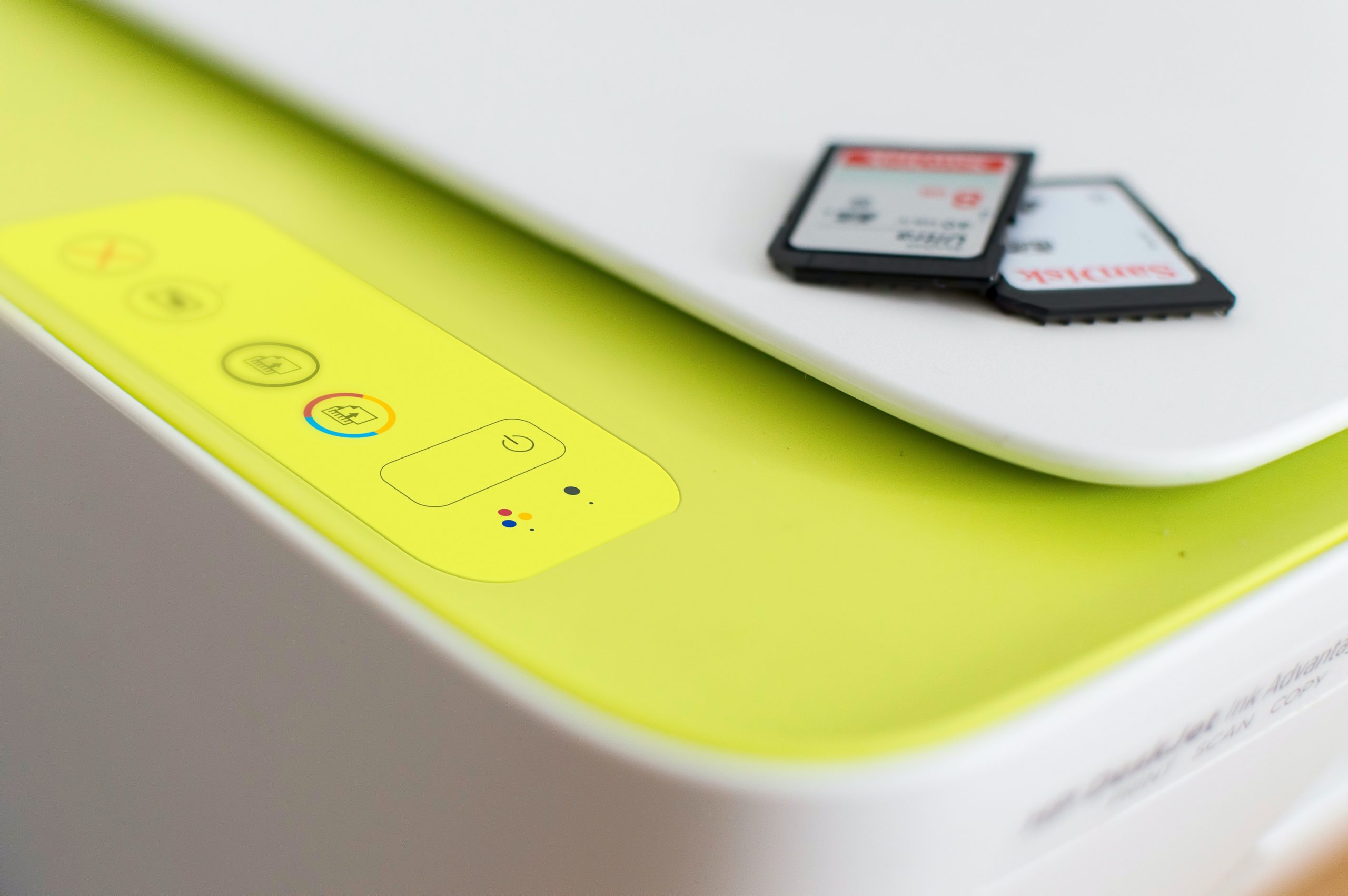
Print server software is the operational core that transforms a standard computer into a dedicated print management hub. This software is responsible for orchestrating the entire print lifecycle, from receiving jobs to distributing them and monitoring printer status. While some operating systems, like Windows Server, include built-in print server functionalities, dedicated third-party solutions offer more advanced features and scalability for complex environments.
Key features commonly found in print server software include:
- Centralized Print Queue Management: This allows administrators to view, manage, and prioritize all print jobs across the network from a single interface.
- Printer Pooling: Enables multiple printers to be grouped together to act as a single logical printer, distributing print jobs across the pool to improve throughput and availability.
- Job Scheduling and Prioritization: Allows for the scheduling of print jobs during off-peak hours or the assignment of higher priority to critical documents.
- Remote Printer Management: Administrators can manage printer settings, supplies levels, and troubleshooting remotely, reducing the need for on-site intervention.
- Reporting and Auditing: Provides detailed logs and reports on printing activity, including who printed what, when, and from which device. This is invaluable for cost allocation, security monitoring, and capacity planning.
- Load Balancing: Distributes print jobs across multiple printers to prevent any single device from becoming a bottleneck.
- Secure Printing: Features like PIN-based release or card-swiping authentication ensure that sensitive documents are only released to the intended recipient.
- Cost Tracking and Management: Some advanced software can track toner usage, paper consumption, and other printing costs per user or department, facilitating cost-saving initiatives.
Print server software is particularly beneficial for businesses that have multiple network printers but may not require the full complexity and cost of a dedicated, enterprise-grade print management solution. It offers a cost-effective way to enhance print job efficiency, reduce IT expenditures, and bolster security.
The Backbone of Networked Printing: Printing Protocols
Printing protocols are the standardized sets of rules and conventions that govern how computers and printers communicate over a network. They ensure the accurate and reliable transmission and reception of print jobs. Without these protocols, the complex dance of sending data from a computer to a printer would be chaotic and prone to errors.
While numerous printing protocols exist, a few have become dominant in modern networked environments:
- Line Printer Remote (LPR): One of the older and simpler protocols, LPR is still widely used. It’s straightforward to implement and understand. However, its simplicity means it can be slower for very large print jobs compared to more modern protocols.
- Internet Printing Protocol (IPP): A more modern and feature-rich protocol, IPP is built on HTTP and offers significant advantages. It supports job status monitoring, job cancellation, and secure printing, making it a more robust solution for complex network environments.
- Server Message Block/Common Internet File System (SMB/CIFS): Primarily used in Windows networks, SMB/CIFS is also a relatively simple protocol that is easy to integrate into existing Windows infrastructure. It’s well-suited for peer-to-peer printing scenarios and smaller networks.
- JetDirect (or Raw TCP/IP Port): This is a proprietary protocol often associated with Hewlett-Packard (HP) printers. It’s known for its speed and reliability, especially within HP environments, but its widespread adoption is limited compared to open standards like IPP.
- Transmission Control Protocol/Internet Protocol (TCP/IP): While TCP/IP is the foundational protocol suite for the internet and most modern networks, it’s also used in conjunction with other printing protocols to facilitate print job transmission over both wired and wireless networks. Its ubiquity and reliability make it a cornerstone of modern network communication, including printing.
Each protocol has its strengths and weaknesses:
| Protocol | Description | Advantages | Disadvantages |
|---|---|---|---|
| LPR | Simple protocol, widely used. | Easy to use. | Slow for large print jobs. |
| IPP | Newer protocol offering more features. | Supports job status monitoring and cancellation. | More complex than LPR. |
| SMB/CIFS | Simple protocol, easy to use. | Easy to use for Windows networks. | Not as powerful as LPR or IPP. |
| JetDirect | Proprietary protocol, popular for HP printers. | Fast and reliable. | Not as widely supported as LPR or IPP. |
| TCP/IP | Reliable protocol for wired and wireless networks. | Widely supported. | More complex than LPR or SMB/CIFS. |
Beyond these widely adopted protocols, specialized printing protocols exist for niche applications, such as printing to large-format plotters or mobile devices, ensuring that the diverse needs of modern printing are met.
Navigating Common Issues and Troubleshooting Print Servers
Despite their efficiency, print servers can encounter various issues that can disrupt printing operations and lead to user frustration. Proactive identification and resolution of these problems are crucial for maintaining a smooth and effective printing environment.
Network Connectivity: A fundamental requirement for print server functionality is a stable network connection. When print jobs fail to reach the server or printers, the first step is to verify physical network connectivity. This involves ensuring that network cables are securely connected and undamaged, and that the print server has a valid IP address and is recognized by the network. Basic network diagnostics, such as ping tests, can help confirm network reachability.
Print Job Failures: Print job failures can stem from a variety of sources, including corrupted print data, incorrect printer settings, or insufficient disk space on the print server for spooling. To address these, administrators should examine the print queue for any stalled or failed jobs. Terminating these jobs can free up resources and allow new jobs to be processed. Verifying printer drivers and ensuring they are up-to-date and compatible with the operating system and printer model is also critical.
Print Queue Management: An unmanaged print queue can quickly become a bottleneck, delaying legitimate print jobs. Effective management involves regularly monitoring the queue for any stuck or failing tasks. Promptly canceling these jobs ensures that the queue remains fluid and that users experience minimal disruption. Some print server software offers automated queue management features to streamline this process.
Security Vulnerabilities: Print servers, like any networked device, can be targets for security threats, potentially exposing confidential data. It is imperative to implement robust security measures. This includes regularly updating the print server’s operating system and printer drivers with the latest security patches. Strong, unique passwords for accessing the print server and network are essential. Implementing firewalls and other network security tools further fortifies the print server against unauthorized access. For organizations handling highly sensitive information, exploring secure print solutions that require user authentication at the printer itself before releasing a document is highly recommended.
The Definitive Advantage: The Bottom Line on Print Servers
In the intricate ecosystem of modern networked printing, print servers have evolved from a mere convenience to an indispensable component, particularly within larger organizations. They are the linchpin for efficient print job management, offering centralized control over printer fleets and significantly bolstering security protocols. Whether implemented as dedicated hardware appliances or by leveraging the capabilities of specialized software applications on existing servers, print servers demonstrably simplify complex printing processes, substantially lower IT overhead costs, and ensure a seamless and reliable printing experience across diverse network configurations. For businesses striving for operational efficiency and robust control over their printing infrastructure, the strategic deployment of a print server is not just a sound investment; it is a foundational element for success.
