
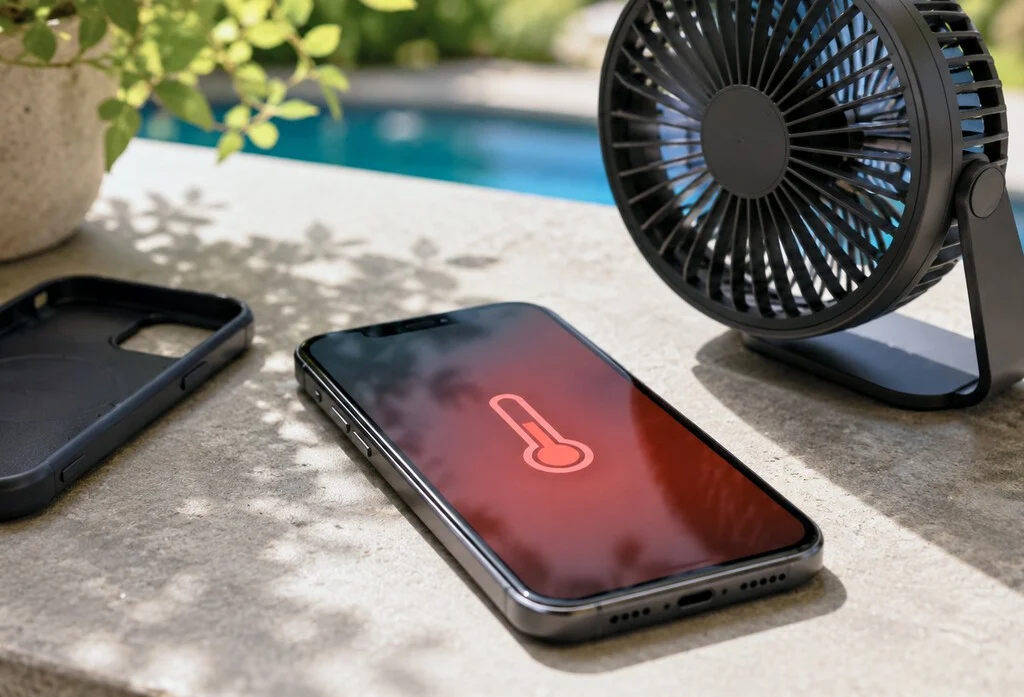

The increasing frequency and intensity of global heatwaves present significant challenges not only to human health and infrastructure but also to personal electronics, particularly mobile phones. An overheating smartphone is more than just an inconvenience; it poses a direct threat to the device’s longevity, performance, and potentially user safety. As ambient temperatures soar, understanding the mechanisms behind mobile phone overheating and implementing effective cooling strategies becomes crucial for device owners. This article delves into the causes, consequences, and a comprehensive guide to managing smartphone temperatures, drawing on expert advice and technological insights.
The Peril of Elevated Temperatures for Mobile Devices
Mobile phones are sophisticated pieces of engineering, integrating powerful processors, intricate circuitry, and high-capacity batteries within increasingly compact designs. Each of these components generates heat during operation, a natural byproduct of electrical resistance and computational work. Under normal circumstances, smartphones are designed with passive thermal management systems, such as graphite sheets or vapor chambers, to dissipate this heat effectively. However, when external factors, such as high ambient temperatures during a heatwave, or internal stressors, like intensive application usage, combine, these systems can be overwhelmed, leading to overheating.
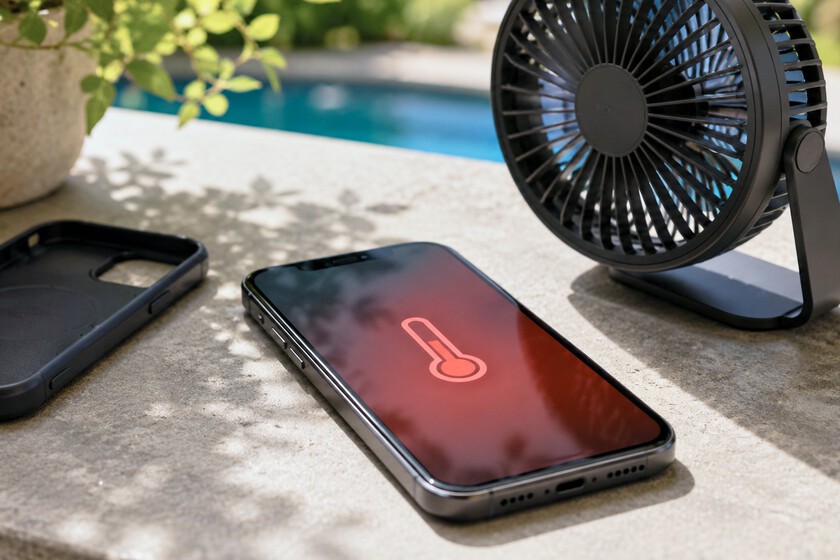
The consequences of prolonged exposure to high temperatures are multifaceted. The most vulnerable component is often the lithium-ion battery. Heat accelerates the chemical reactions within the battery, leading to irreversible degradation of its capacity and overall lifespan. Studies by battery research institutions often indicate that operating a smartphone consistently above 35°C (95°F) can significantly reduce battery health over time, leading to a noticeable decrease in charge retention within a year or two. Beyond the battery, other components like the CPU, GPU, and display can suffer. Processors may "throttle" their performance, slowing down the phone to prevent thermal damage, resulting in lag and poor user experience. Adhesives holding the phone together can weaken, and in extreme cases, internal components can be physically damaged or the battery may swell, posing a fire risk.
Immediate Strategies for Cooling an Overheated Device
When a smartphone begins to feel uncomfortably hot to the touch, immediate action is warranted. These initial steps focus on reducing the internal workload and minimizing external heat absorption.
1. Allow the Device to Rest and Reduce Internal Load
One of the primary causes of internal overheating is an overburdened processor. Demanding applications, such as graphics-intensive games, video editing software, or navigation apps running simultaneously, force the CPU and GPU to work at high capacities, generating substantial heat. Even background processes and numerous open applications can contribute to this thermal load.
The most effective initial response is to give the phone a break. While a full shutdown (which can be achieved by holding the power button and selecting "Power off") is the most drastic and often quickest way to cool a device, it is not always necessary or practical. A less extreme but still highly effective measure is to close all active applications. This can typically be done by accessing the recent apps switcher (often a swipe up from the bottom or a tap on a dedicated button) and swiping away all open applications. Furthermore, placing the phone with the screen off and in standby mode allows it to cool down while still remaining functional for notifications and calls. Disconnecting from Wi-Fi or cellular data if not actively needed can also reduce background activity and heat generation.
2. Optimize Charging Practices
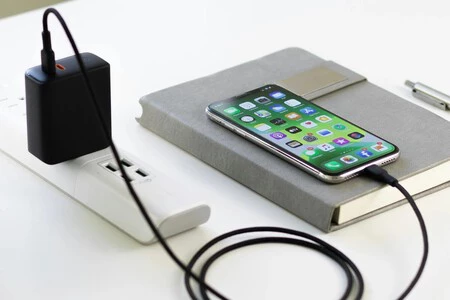
Charging a smartphone inherently generates heat. The conversion of AC power from the wall outlet to DC power for the battery, and the chemical process of charging itself, are exothermic reactions. Fast charging technologies, while convenient, push more power into the battery at a higher rate, often resulting in a more pronounced temperature increase.

Using a phone while it is charging compounds this issue, subjecting the device to two significant heat sources simultaneously: internal processing heat and charging heat. This dual stress can rapidly elevate the phone’s temperature to critical levels. During heatwaves or if a phone is already running hot, it is advisable to postpone charging until the device has cooled down and is not actively in use. If charging is essential, consider using a slower charger, such as an older USB-A adapter, or a lower-wattage power bank. Some modern smartphones also offer "optimized charging" features that can slow down the charging process during certain times to preserve battery health, which indirectly helps with thermal management. Wireless charging, while convenient, can also be less efficient and generate more heat than wired charging, making it less ideal during hot conditions.
3. Seek Shade and Avoid Direct Sunlight
External environmental factors play a critical role in smartphone temperatures. Leaving a phone in direct sunlight, especially on dark surfaces that absorb heat, is akin to placing it in an oven. The sun’s radiant energy can rapidly heat the device’s exterior, which then transfers to internal components. Car dashboards, windowsills, and beach towels are notorious hotspots.
High ambient temperatures alone can cause overheating, but direct solar radiation significantly exacerbates the problem. Beyond causing uncomfortable warmth, extreme external heat can lead to physical damage such as screen discoloration (especially with OLED panels), weakening of internal adhesives, and in severe cases, deformation of plastic components or battery swelling and potential combustion. The phone’s display also contributes to overheating in bright conditions; to compensate for intense sunlight, the screen’s brightness often automatically ramps up to its maximum, drawing more power and generating additional heat. Always store your phone in a cool, shaded area, away from direct sunlight, especially during periods of high heat.
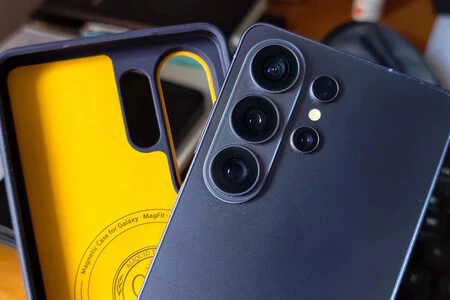
4. Remove Protective Casings
While phone cases are indispensable for protecting devices from drops and scratches, many are designed with materials that act as thermal insulators. Materials like silicone, thick rubber, or certain plastics, while excellent at absorbing impact, can trap the heat generated by the phone’s internal components, preventing efficient dissipation into the surrounding air.
When a phone is running hot, removing its protective case allows for better airflow around the device’s surface. This facilitates the natural convection process, enabling the heat to radiate away from the phone more effectively. This simple step, akin to taking off a jacket, can provide immediate relief, particularly if the overheating stems primarily from internal usage rather than external ambient heat. It is a temporary measure to aid cooling and should be considered whenever thermal issues arise.
5. Gentle Ventilation, Avoid Extreme Cold
The temptation to cool an overheated phone rapidly by placing it in a refrigerator or freezer is strong but must be resisted. Electronic devices are highly susceptible to sudden and drastic temperature changes. Rapid cooling can lead to condensation forming inside the device, especially in the presence of humidity. This moisture can short-circuit internal components, causing irreversible damage. Furthermore, extreme cold can shock the battery, impairing its performance and potentially leading to permanent damage.
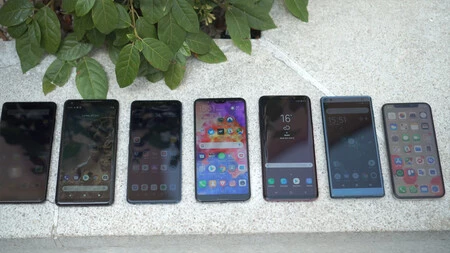
Instead, opt for gentle and gradual cooling methods. Placing the phone in front of a fan or in an air-conditioned room allows for a controlled reduction in temperature. A desk fan, a ceiling fan, or even the gentle breeze from an open window can provide sufficient airflow to assist in heat dissipation without risking condensation or thermal shock. This method, combined with reduced internal activity, typically brings the device back to a safe operating temperature within minutes.
Preventative Measures for Sustained Thermal Management
Beyond immediate remedies, proactive steps can significantly reduce the likelihood of a smartphone overheating, thereby preserving its lifespan and performance.
1. Optimize Device Settings
Many smartphone features, while useful, consume power and generate heat. Adjusting these settings can contribute to a cooler device.
- Reduce Screen Brightness: Lowering the screen brightness, especially in indoor environments where maximum brightness is unnecessary, reduces power draw and heat. Enabling adaptive brightness can help, but manually setting it lower is often more effective.
- Activate Low Power/Battery Saver Mode: These modes typically limit background app refresh, throttle CPU performance, and reduce visual effects, all of which decrease power consumption and heat.
- Disable Unused Connectivity: Turn off Wi-Fi, Bluetooth, GPS, and NFC when not actively in use. These radios constantly search for connections, consuming power and generating heat.
- Limit Background App Refresh: Restricting which apps can run in the background prevents unnecessary activity and resource consumption.
- Reduce Animation and Visual Effects: While aesthetically pleasing, these can slightly increase GPU workload.
2. Strategic App Management
Not all apps are created equal in terms of resource consumption. Identifying and managing resource-intensive applications is key.
- Identify Power-Hungry Apps: Most operating systems (iOS and Android) provide detailed battery usage statistics that can help identify apps consuming the most power and, by extension, generating the most heat.
- Update Apps and OS: Developers frequently release updates that include performance optimizations and bug fixes, which can improve thermal efficiency.
- Uninstall Unused Apps: Remove applications that are no longer needed to free up resources and reduce potential background activity.
- Consider Cloud Gaming Alternatives: For heavy mobile gamers, using cloud gaming services can offload processing to remote servers, reducing the strain on the phone’s hardware.
3. Environmental Awareness and Accessory Choices
Being mindful of the phone’s environment and selecting appropriate accessories can also aid in thermal regulation.

- Vented Car Mounts: If using a phone for navigation in a car, especially during hot weather, choose a car mount that allows for airflow rather than trapping the phone against a solid surface. Position it near an AC vent if possible.
- Avoid Tight Pockets: Storing a phone in a tight pocket, especially in warm conditions, can restrict airflow and trap body heat, leading to elevated temperatures.
Advanced Cooling Solutions: External Accessories
For users who frequently push their devices to the limit, such as competitive mobile gamers or those in consistently hot climates, passive cooling measures may not suffice. This has led to the proliferation of active cooling accessories.
1. Clip-on and Magnetic Phone Coolers
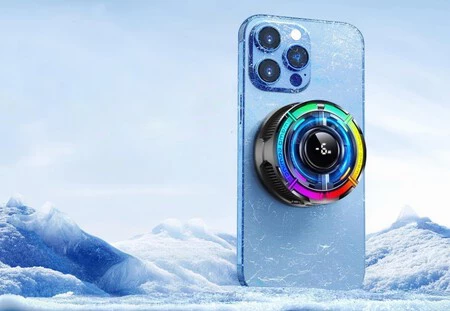
These devices typically feature small fans or even Peltier (thermoelectric) cooling elements that attach to the back of the smartphone. They draw power via USB (either from the phone itself or an external source) and actively dissipate heat from the phone’s surface.
- USB-Powered Fans: Simple clip-on fans are readily available and can provide a noticeable airflow across the phone’s back, aiding convection. Many are universal and affordable, often priced around €15.
- Peltier Coolers: More advanced coolers incorporate Peltier elements, which create a temperature differential when electricity passes through them. One side becomes cold, drawing heat away from the phone, while the other side becomes hot and is cooled by a fan. These are highly effective for rapid cooling but tend to be more expensive (e.g., €30-€50) and consume more power.
- Gaming-Oriented Coolers: Many gaming phone brands offer proprietary coolers designed to perfectly fit their devices, often integrating RGB lighting and ergonomic designs for enhanced grip during gameplay. Universal magnetic coolers are also popular, attaching to phones via MagSafe-compatible rings or adhesive magnetic plates.
Considerations for External Coolers:
While effective, these accessories have their nuances. If powered directly by the phone, they will increase battery drain, which can generate a small amount of additional heat. Ideally, they should be powered by an external source, such as a power bank or wall adapter, to minimize the impact on the phone’s battery and internal thermal load. Users should also ensure compatibility and secure attachment to prevent accidental dislodgement.
Long-Term Implications and Expert Recommendations
The consistent theme across all advice regarding phone overheating is the protection of the device’s internal components, particularly the battery. Manufacturers design phones to operate within specific temperature ranges, typically between 0°C and 35°C (32°F and 95°F). Operating outside this range, especially on the higher end, accelerates degradation.
Battery Health: Chronic exposure to temperatures above 35°C significantly degrades the lithium-ion battery’s chemical structure, leading to reduced maximum capacity, shorter battery life per charge, and ultimately, premature battery failure. This directly translates to a shorter overall lifespan for the smartphone, contributing to electronic waste.
Component Integrity: Beyond the battery, sustained high temperatures can affect the performance and longevity of the processor, memory modules, and even the display. Modern processors have built-in thermal protection, but frequent throttling can indicate an underlying issue that impacts user experience.
Safety Concerns: In extreme and rare cases, severe overheating can cause batteries to swell, potentially rupturing the phone’s casing or leading to thermal runaway, a condition where the battery overheats uncontrollably, posing a fire hazard. While manufacturers include safety mechanisms, user vigilance is still important.
Industry experts and manufacturers like Apple and Samsung consistently advise against exposing devices to direct sunlight or hot environments and recommend removing cases during charging or intensive use. Adhering to these guidelines not only extends the life of the device but also ensures its safe operation. The increasing intensity of global heatwaves underscores the importance of these practices, transforming them from optional tips into essential maintenance for modern smartphone users. By adopting a mindful approach to device usage and thermal management, consumers can safeguard their valuable technology against the harsh realities of a warming climate.
