
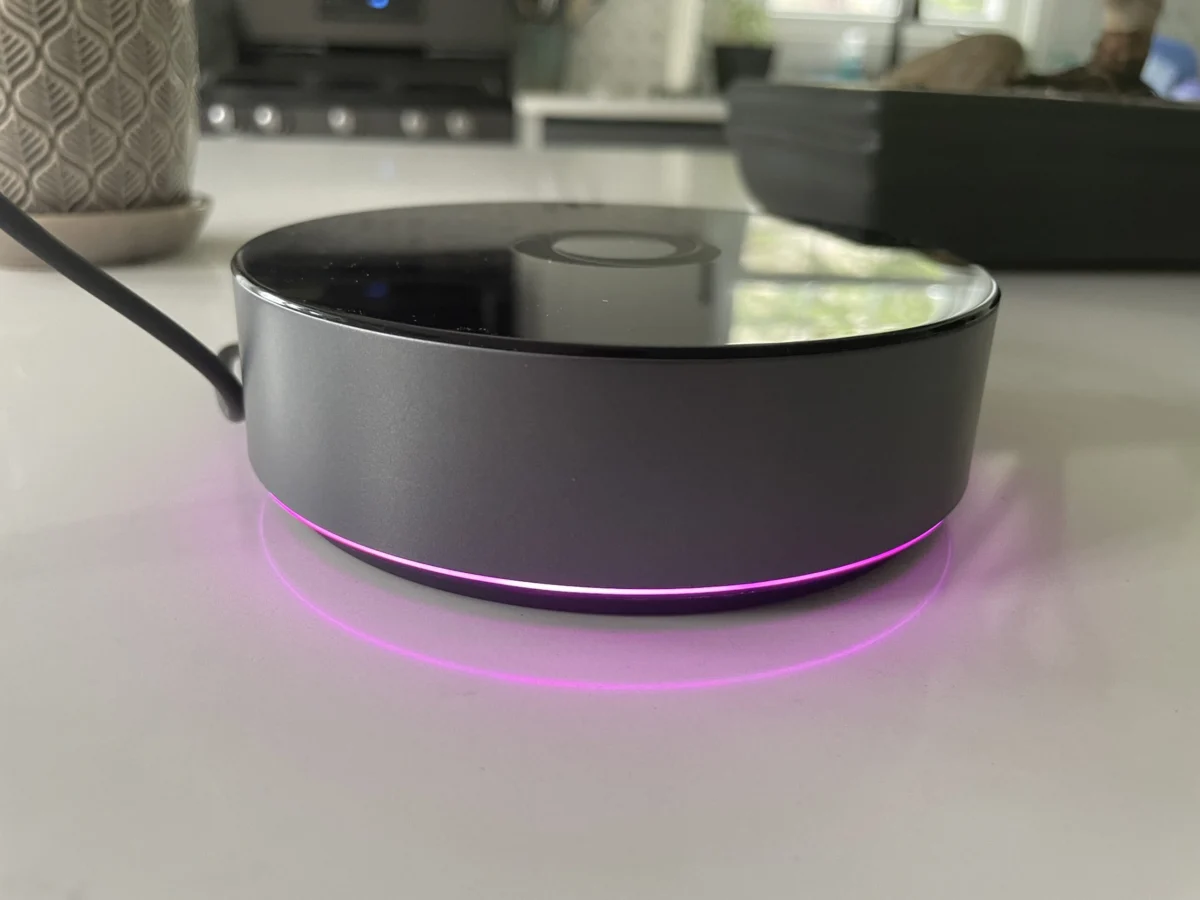

Following the successful U.S. launch of the $69 Homey Bridge in March, smart home enthusiasts now have access to the company’s flagship hardware offering: the $399 Homey Pro. While the entry-level Bridge model relies heavily on cloud infrastructure and enforces device connection limits unless users subscribe to monthly tiers, the Homey Pro aims to capture the power-user demographic. It eliminates most subscription fees, offers robust local-first control to bolster privacy and offline reliability, and packs upgraded internals alongside a comprehensive suite of wireless radios. Yet, despite its impressive technical specifications and intuitive software ecosystem, prospective buyers must carefully vet their existing hardware inventory before investing in the platform.
A Historical Overview and Hardware Evolution
The release of the U.S.-bound Homey Pro represents a significant milestone in the company’s hardware strategy. The original Homey Pro debuted in Europe back in 2019, earning praise for its multi-protocol radio support but remaining largely inaccessible or impractical for North American consumers due to regional frequency differences. The introduction of the Homey Bridge earlier this year served as a stepping stone, introducing U.S. consumers to the clean interface and flexible automation engine of the Homey ecosystem while testing market appetite.
The new Homey Pro builds directly upon the architectural foundations of its 2019 predecessor while dramatically outperforming it. According to the manufacturer, the current Pro model delivers approximately 3.5 times the CPU performance of the original iteration. Furthermore, it boasts significant internal hardware upgrades compared to the lower-cost Bridge, featuring 8 GB of storage and 2 GB of RAM. These enhanced specifications are not merely cosmetic; they are fundamentally required to support the Pro’s local processing architecture. Unlike the cloud-dependent Bridge, the Homey Pro handles automation execution and device polling locally, ensuring that smart home networks continue to function seamlessly during internet outages and offering superior data privacy for households.
Comprehensive Radio Array and Connectivity Options
One of the most compelling arguments for the Homey Pro is its exhaustive collection of built-in wireless transceivers. For the North American market, the hub is equipped with Wi-Fi (supporting both 2.4 GHz and 5 GHz bands), Bluetooth, infrared (IR), Zigbee, and Z-Wave. Additionally, the Pro features a dedicated Thread radio and an 833 MHz frequency band designed to communicate with legacy hardware.
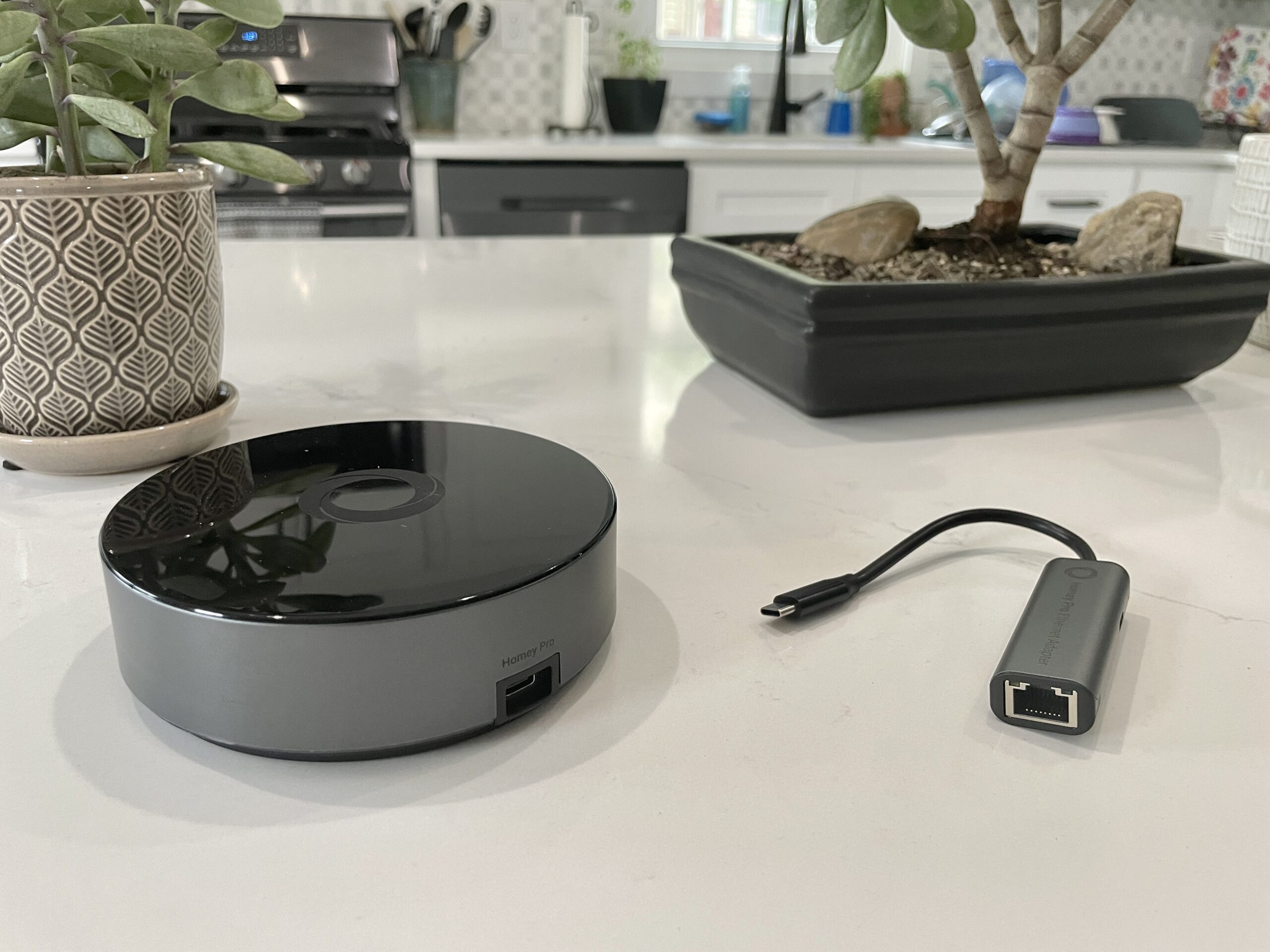
For users seeking hardwired network stability, Homey provides an optional ethernet adapter available for an additional $29. This expansive hardware suite theoretically allows the hub to act as a universal translator, bridging communication gaps across disparate smart home brands and communication protocols without requiring a constellation of proprietary dongles.
Subscription Models and Financial Considerations
Pricing structures in the smart home sector often dictate consumer adoption, and Homey has structured the Pro model to appeal to users weary of recurring monthly fees. While the $69 Homey Bridge restricts users to five connected devices before requiring a $2.99 monthly subscription to expand capacity, the Homey Pro removes device limitations entirely.

The sole subscription option associated with the Homey Pro is an optional $0.99 monthly fee dedicated to automated cloud backups, ensuring that users can quickly restore their configurations in the event of hardware failure. For an upfront investment of $399—plus the optional $29 ethernet adapter—consumers acquire a self-contained, locally controlled automation server devoid of mandatory ongoing overhead.
Initial Setup and User Experience
Setting up the Homey Pro is designed to be frictionless. Powered via a standard USB-C connection and managed through the companion mobile application for iOS and Android, the configuration process guides users through a series of foundational questions regarding their physical living space. Notably, the application prompts users to define the number of floors in their home and assign specific rooms to those levels during the initial setup phase. This thoughtful architectural approach saves considerable time compared to competing ecosystems that require tedious manual categorization room by room.
Once connected to the local wireless network, the user interface continues to impress. The mobile and web applications exhibit a modern, polished aesthetic that effectively surfaces both basic controls and advanced features. Navigation is fluid, and commands executed within the app yield near-instantaneous physical responses from supported hardware. Furthermore, the platform incorporates an advanced energy-tracking feature. By inputting the wattage of connected devices—or relying on native electrical reporting from compatible smart plugs and switches—users can monitor estimated and actual energy consumption in real time and view historical usage trends through the web dashboard, which also displays local environmental metrics such as temperature, barometric pressure, and humidity.
The Automation Engine: Flows and Advanced Logic

At the heart of the Homey ecosystem is its automation framework, known as Flows. Moving away from the simplistic "If This, Then That" paradigm popularized by mainstream consumer voice assistants, Flows utilize a structured "When… And… Then…" methodology that closely mirrors the robust automation capabilities found in open-source platforms like Home Assistant.
Users can construct basic automations directly within the mobile application or leverage an advanced web-based interface to build complex, multi-conditional routines incorporating "else" statements and routines that trigger subsequent Flows. For power users and hobbyists, the web interface also exposes an API key system accompanied by JavaScript and Node.js documentation, effectively revealing that the underlying hub operates as a Node.js server. This openness allows technically inclined users to author custom integrations, though this capability remains largely transparent to mainstream consumers.
The Device Support Dilemma: A Critical Assessment
Despite its sophisticated hardware, sleek interface, and powerful automation engine, the Homey Pro faces a significant hurdle: third-party device integration consistency. Homey officially markets compatibility with more than 50,000 devices via an extensive repository of downloadable software integrations, known simply as "Apps" hosted on the company’s platform. However, real-world testing reveals a fragmented landscape.
During practical evaluations involving a diverse, multi-brand smart home ecosystem, the Homey Pro successfully integrated roughly half of the deployed hardware. Mainstream devices such as Lutron Caseta lighting switches, Philips Hue smart bulbs, and Sonos wireless speakers paired and operated without issue. Conversely, the hub encountered friction or total incompatibility with several prominent product lines.

For instance, certain Matter-certified smart plugs failed to initialize because their underlying communication relied exclusively on Thread rather than Wi-Fi—a limitation expected to ease as Homey broadens its Matter-over-Thread implementation. Other anomalies included popular hardware lines where specific generational models were unsupported. While the app library contained integrations for non-traditional Nanoleaf wall panels (such as triangles and hexagons), standard Nanoleaf smart bulbs and older Essentials line products could not be added. Similarly, Meross garage door openers, certain Govee smart appliances, and specific Ecobee thermostat variants (such as the Thermostat Premium) either returned error messages during authentication or failed to register existing hardware despite the parent brand being listed as supported. Schlage Encode Wi-Fi locks recognized user credentials during setup but ultimately reported "No devices found."
Official Responses and Clarifications
Following initial technical evaluations, representatives from Homey reached out to clarify platform capabilities and address integration discrepancies. Company officials emphasized that Matter-compatible devices operating over Wi-Fi are fully supported, while acknowledging that Thread-based Matter rollout phases dictate current peripheral limitations. Furthermore, Homey clarified that while many integrations rely on manufacturer cloud APIs, devices capable of reporting native electrical telemetry will automatically surface accurate energy usage data within the dashboard without requiring manual wattage estimation.
Regarding discoverability, Homey noted that consumers can review the complete, searchable database of supported hardware prior to purchase by visiting the "Apps" directory on the official website or by downloading the free companion application to audit their specific hardware inventory before committing funds.
Broader Market Impact and Industry Implications

The launch of the Homey Pro in the United States highlights a broader tension within the modern smart home industry. As major technology conglomerates push consumers toward cloud-dependent ecosystems tied to voice assistants and walled gardens, demand has surged for independent, privacy-focused, local-control hubs that insulate users from corporate server outages and data harvesting.
Products like the Homey Pro validate this demand by offering exceptional local performance, a refined user interface, comprehensive radio support, and an advanced automation engine. However, the fragmented nature of Internet of Things (IoT) communication protocols—spanning proprietary APIs, Zigbee, Z-Wave, and the unfolding deployment of the Matter standard—means that universal compatibility remains an elusive target for any single hardware manufacturer.
Conclusions for Prospective Buyers
The Homey Pro is a remarkably capable, beautifully designed smart home hub with immense potential. Its commitment to local control, absence of mandatory subscription fees, extensive multi-protocol radio array, and powerful Flow automation system make it an enticing alternative to mainstream consumer platforms.
Nevertheless, at a retail price of $399, consumers must exercise due diligence. Potential buyers are strongly advised to consult the official Homey Apps directory or download the mobile application to verify that their specific legacy and modern smart home peripherals are fully supported before making a purchase. For households whose devices align with the platform’s current integration library, the Homey Pro offers an elite, private, and responsive automation experience. For others with highly diverse device ecosystems, existing open-source alternatives may remain the more pragmatic choice until software updates expand peripheral compatibility.
