
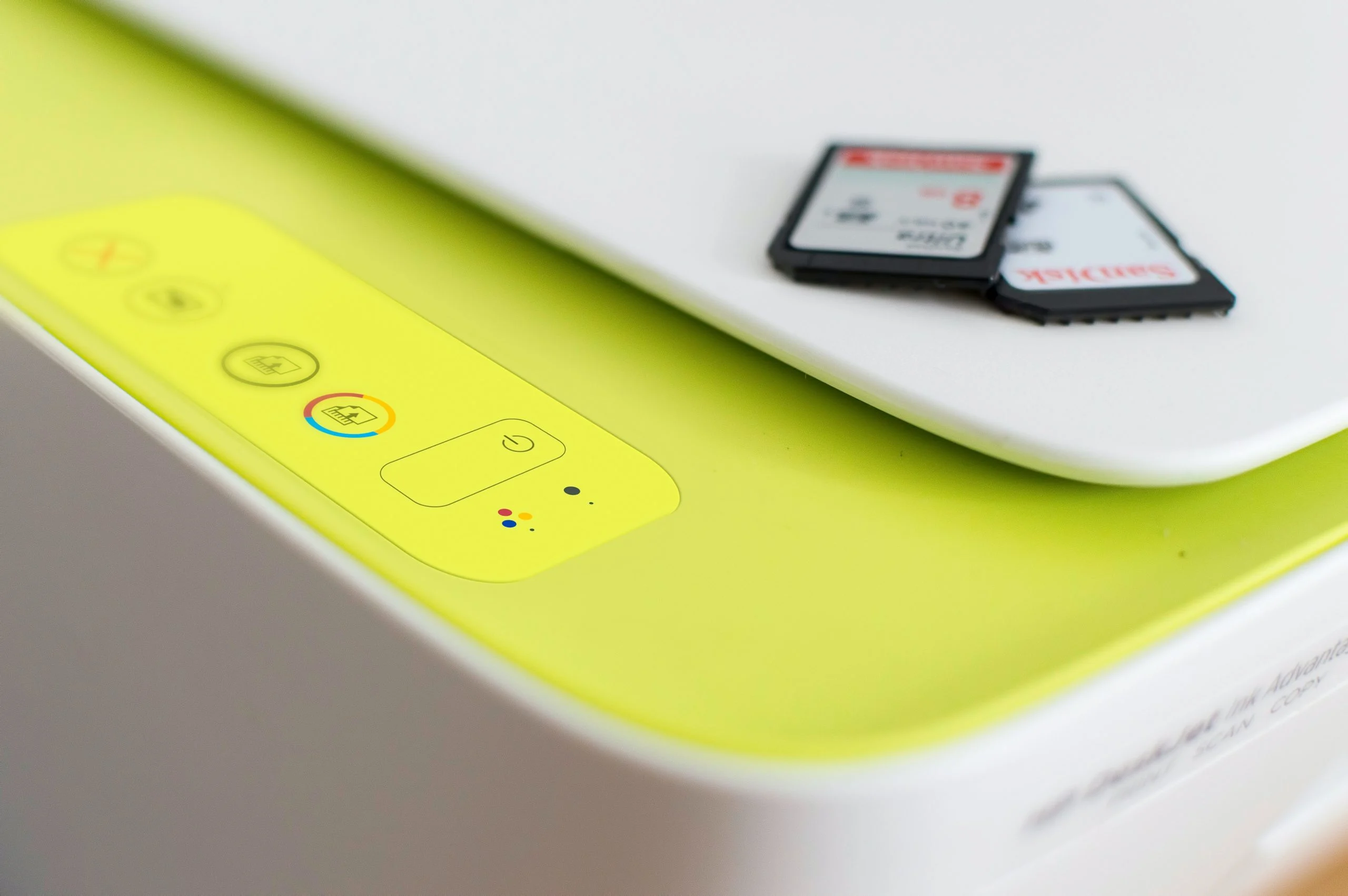

A print server acts as a central nervous system for managing and distributing printing tasks across a network, ensuring efficient and seamless communication between multiple devices and printers. This vital piece of infrastructure, whether a dedicated hardware appliance or software running on a networked computer, streamlines the printing process, optimizes resource utilization, and enhances overall network productivity. Understanding its function, features, and common challenges is paramount for businesses aiming to maximize their printing capabilities and leverage their resources effectively.
The Evolution and Necessity of Print Servers
In the early days of computing, printers were typically connected directly to individual workstations. As networks became more prevalent and the number of connected devices grew, this direct connection model quickly became impractical and inefficient. Managing numerous individual printer connections for each computer was cumbersome, led to cable clutter, and created bottlenecks as print jobs competed for direct access.
The advent of the print server emerged as a solution to these growing pains. By creating a centralized point of control, print servers allowed multiple computers to share a pool of printers without the need for direct, individual connections. This not only simplified network management but also significantly improved the efficiency of the printing process. A print server receives print requests from various devices, queues them, and then intelligently dispatches them to the appropriate available printer. This managed workflow prevents over-saturation of individual printers and ensures that print jobs are processed in an orderly fashion.
While advancements in networking and printer technology have led to the integration of some print server functionalities into networked printers themselves and even into operating systems, dedicated print servers remain indispensable for larger enterprises, organizations with complex printing needs, or those operating across dispersed campus environments. These dedicated solutions offer robust management capabilities, enhanced security features, and the capacity to handle high volumes of print traffic.
Understanding Print Server Architecture and Functionality
At its core, a print server is a bridge between computers and printers. It can be implemented in two primary forms: hardware-based or software-based.
Hardware Print Servers: These are dedicated physical devices designed specifically for print management. They often feature multiple ports for connecting printers and network interfaces for seamless integration into the existing network infrastructure. Their primary advantage lies in their specialized design, which can offer higher performance and reliability for demanding printing environments.
Software Print Servers: In this model, a standard networked computer is configured with specialized print server software. This approach offers flexibility and can be a cost-effective solution, especially for small to medium-sized businesses. The operating system of the computer hosts the print server application, which then manages all incoming print requests.
Regardless of the implementation, the fundamental operation remains the same:
- Receiving Print Jobs: When a user initiates a print command from a networked computer, the print job is sent to the print server.
- Queuing and Spooling: The print server receives the job and stores it temporarily in a queue, often referred to as a "spool." This spooling process allows the sending computer to be released from the printing task, enabling the user to continue their work without waiting for the printer to finish.
- Job Management and Prioritization: The print server manages the order of print jobs in the queue. Administrators can often set priorities for certain jobs or users, ensuring that critical documents are printed first.
- Printer Selection and Allocation: The print server identifies the designated printer for the specific job and checks its availability. If the printer is busy, the job remains in the queue until the printer is free.
- Data Translation and Transmission: The print server may perform data translation if the job is sent in a format that the printer does not directly understand. It then transmits the processed print data to the selected printer.
- Status Monitoring: Print servers continuously monitor the status of connected printers, reporting on issues such as low toner, paper jams, or offline status back to the network or administrators.
The Indispensable Advantages of Print Server Deployment
The adoption of print servers offers a multitude of benefits that contribute to improved operational efficiency and cost savings:
- Centralized Management: Instead of managing individual printer settings and drivers on each workstation, all printer configurations, user permissions, and print queues are managed from a single point – the print server. This dramatically reduces IT administrative overhead.
- Resource Optimization: Print servers enable efficient sharing of printers among multiple users, eliminating the need for each user to have a dedicated printer. This reduces hardware costs and consumable expenses (ink, toner, paper).
- Enhanced Productivity: By queuing and spooling print jobs, print servers free up user workstations immediately after a print command is issued. This allows users to return to their tasks faster, boosting overall productivity.
- Improved Network Performance: Print servers can act as a buffer, preventing individual printers from being overwhelmed by a flood of simultaneous print requests. This helps to maintain smoother network traffic and prevent system slowdowns.
- Scalability: As an organization grows and its printing needs evolve, print servers can be scaled up by adding more printers to the pool or upgrading the server’s capacity to handle increased print volumes.
- Security: Print servers can enforce security policies, controlling who can print to which devices and managing sensitive document printing. Features like secure print release (where users must authenticate at the printer to release their job) can prevent unauthorized access to confidential documents.
- Cost Reduction: Beyond hardware savings, efficient printer utilization and reduced IT support needs contribute to significant cost reductions in the long run.
Print Server Software: Enabling Intelligent Printing
Print server software is the intelligence that allows a computer to perform the functions of a print server. This software can be a feature integrated into an operating system, such as Windows Server’s Print Services, or it can be a standalone, third-party application designed for more advanced print management.
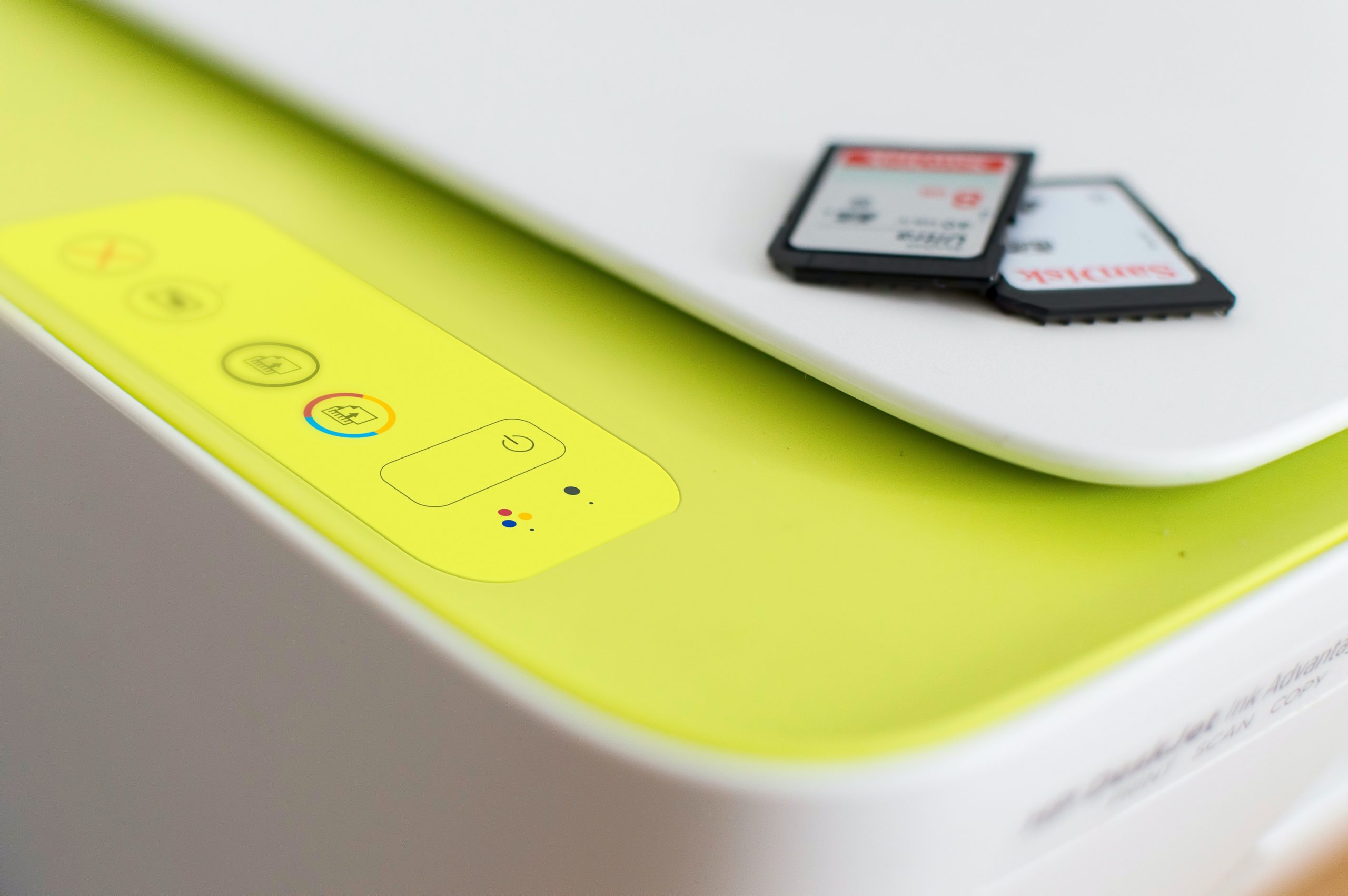
Key features commonly found in print server software include:
- Print Queue Management: Tools for viewing, reordering, pausing, resuming, and canceling print jobs.
- Driver Management: Centralized management of printer drivers, ensuring compatibility and simplifying updates across the network.
- Access Control and Permissions: The ability to define which users or groups can access specific printers and what types of print jobs they can submit.
- Job Accounting and Monitoring: Features that track printing activity, such as the number of pages printed by each user or department, which is invaluable for cost allocation and auditing.
- Remote Administration: The capability to manage the print server and its connected printers from a remote location, enhancing IT efficiency.
- High Availability and Redundancy: For critical environments, advanced software may offer features to ensure continuous printing even if a primary print server fails.
- Mobile Printing Solutions: Integration with mobile device management (MDM) solutions to enable secure and convenient printing from smartphones and tablets.
- Print Job Routing: The ability to intelligently route print jobs to specific printers based on criteria like printer capabilities, location, or cost.
The selection of print server software often depends on the size and complexity of the network, the volume of printing, and the specific security and management requirements of the organization. For businesses without the infrastructure for a dedicated server, utilizing advanced print management software on an existing networked computer can provide many of the benefits of a full-fledged print server.
Navigating the Landscape of Printing Protocols
For computers and printers to communicate effectively, they rely on a set of standardized rules known as printing protocols. These protocols define how print jobs are formatted, transmitted, and received, ensuring that data is sent accurately and interpreted correctly by the receiving device. Several protocols are in common use, each with its own strengths and weaknesses:
- Line Printer Remote (LPR)/Line Printer Daemon (LPD): One of the older and simpler protocols, LPR is still widely used due to its ease of implementation. It allows a client to send a print job to a remote LPD server. While straightforward, it can be less efficient for large print jobs and offers limited job status feedback.
- Internet Printing Protocol (IPP): A more modern and feature-rich protocol that operates over TCP/IP. IPP provides enhanced capabilities such as robust job status monitoring, the ability to cancel jobs remotely, and support for authentication and encryption. It is increasingly becoming the standard for network printing.
- Server Message Block/Common Internet File System (SMB/CIFS): Primarily used in Windows-based networks, SMB/CIFS is a file sharing protocol that also supports printing. It is relatively easy to set up within a Windows environment but may not offer the same level of advanced printing control as IPP.
- JetDirect (Raw TCP/IP Printing): Developed by Hewlett-Packard (HP), JetDirect is a proprietary protocol that is fast and reliable, particularly for HP printers. While popular, its proprietary nature can limit compatibility with printers from other manufacturers.
- Transmission Control Protocol/Internet Protocol (TCP/IP): While not strictly a printing protocol itself, TCP/IP is the foundational network protocol suite over which many printing protocols (like IPP and JetDirect) operate. Its ubiquity and reliability make it essential for modern networked printing, supporting both wired and wireless connections.
The choice of protocol can impact printing speed, reliability, and the range of management features available. In many modern networks, IPP is favored for its comprehensive features, while LPR and SMB/CIFS remain relevant in specific environments.
Addressing Common Print Server Challenges
Despite their benefits, print servers can encounter issues that disrupt printing operations. Proactive identification and resolution of these problems are crucial for maintaining a smooth workflow.
Network Connectivity Issues
A fundamental requirement for a print server is a stable network connection. Problems in this area can manifest as printers being unavailable or print jobs failing to reach their destination.
- Troubleshooting Steps:
- Physical Connections: Verify that all network cables connecting the print server to the network and the printers to the server are securely plugged in and free from damage.
- IP Addressing: Ensure the print server has a valid IP address assigned, either statically or via DHCP. Check for IP address conflicts.
- Network Diagnostics: Use tools like
pingto test connectivity between the print server, client computers, and the printers. - Firewall Rules: Confirm that any firewalls (on the server, network devices, or client machines) are not blocking the necessary ports for printing protocols.
Print Job Failures
When print jobs inexplicably fail to complete, it can stem from various sources.
- Troubleshooting Steps:
- Print Queue Inspection: Examine the print queue on the print server for any jobs that are stuck, showing errors, or marked as "deleting." Attempt to clear these stalled jobs.
- Printer Status: Verify that the target printer is online, has paper, sufficient toner, and no physical errors like paper jams.
- Driver Compatibility: Ensure that the correct and most up-to-date printer drivers are installed on the print server and that they are compatible with the operating system and the printer model.
- Print Data Integrity: Occasionally, corrupted print data can cause failures. Re-sending the print job or trying to print a different document can help diagnose this.
- Server Resources: Check the print server’s disk space and memory usage. Insufficient resources can impede the spooling process.
Print Queue Management
An unmanaged print queue can lead to significant delays and user frustration.
- Troubleshooting Steps:
- Regular Monitoring: Periodically review the print queue to identify any jobs that have been waiting for an extended period or appear to be stuck.
- Cancellation of Stalled Jobs: Implement a policy or use tools to automatically cancel jobs that have been in the queue for an unreasonable amount of time.
- Prioritization: If necessary, reorder the queue to prioritize urgent print jobs.
Security Vulnerabilities
Print servers, like any network device, can be targets for security threats if not properly secured. Confidential documents processed through the server could be compromised.
- Troubleshooting Steps:
- Regular Updates: Keep the print server’s operating system, printer drivers, and any print management software up-to-date with the latest security patches and updates.
- Strong Passwords and Access Control: Implement strong, unique passwords for accessing the print server and configure granular access controls to limit who can manage print queues and printer settings.
- Network Segmentation: If possible, place print servers on a separate network segment to limit their exposure to other network traffic.
- Firewall Protection: Ensure robust firewall protection is in place for the print server and the network.
- Auditing and Logging: Enable logging on the print server to track access and printing activities, which can help in detecting and investigating security incidents.
- Physical Security: Ensure the physical security of the print server to prevent unauthorized access.
The Bottom Line: A Pillar of Efficient Networked Printing
Print servers are indispensable components of modern networked printing infrastructures, especially within larger organizations. They provide a centralized, efficient, and secure method for managing print jobs and printer resources. Whether implemented as specialized hardware or through advanced software solutions, print servers simplify complex printing processes, reduce IT overhead, and ensure a seamless printing experience across diverse network configurations. By understanding their functionality, benefits, and potential challenges, businesses can effectively leverage print servers to enhance productivity, control costs, and maintain robust document management workflows. For organizations looking to optimize their IT infrastructure, exploring solutions like the best server management tools can further streamline the administration of print servers and other critical server components.
