
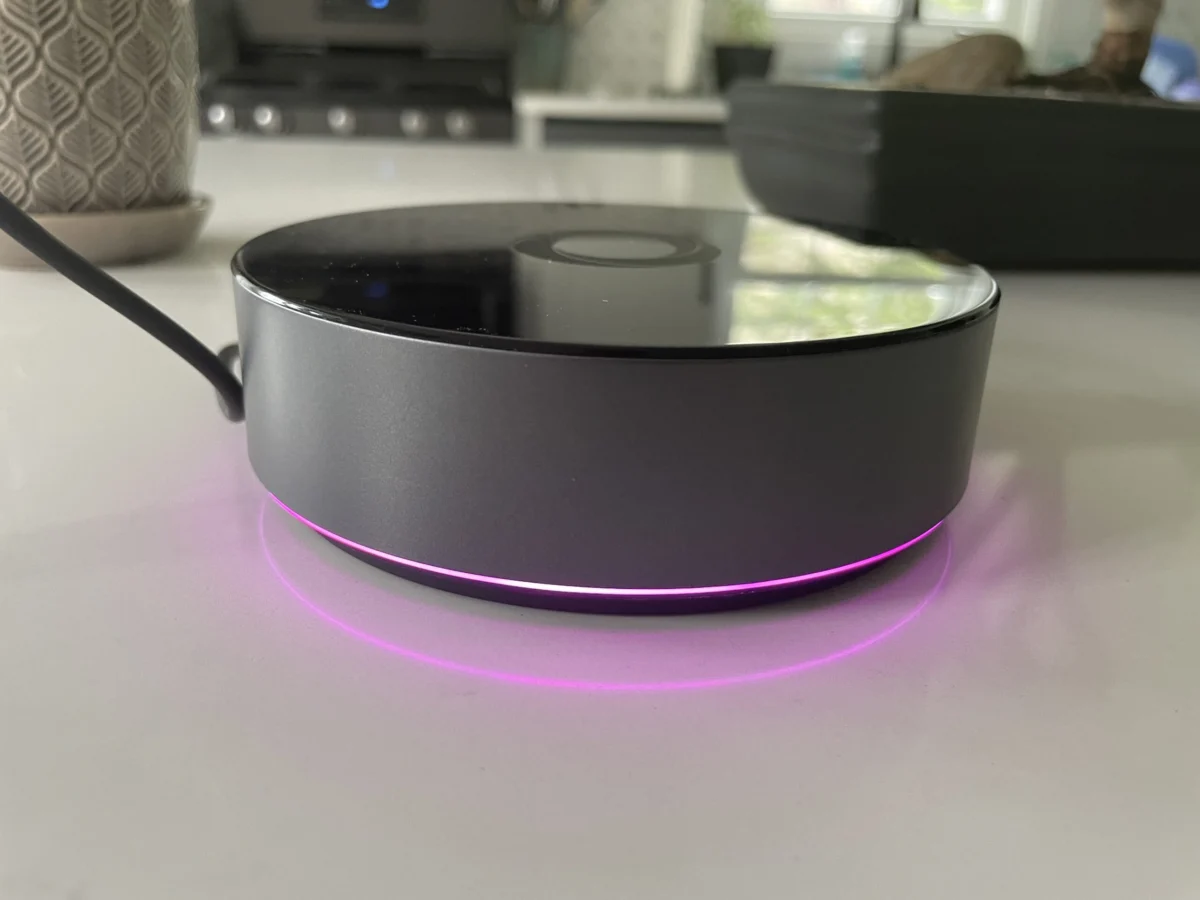

Following the recent introduction of the $69 Homey Bridge, Athom has officially launched its more robust offering, the $399 Homey Pro, in the United States. This advanced smart home hub aims to provide a more powerful and locally controlled alternative to its predecessor, addressing some of the limitations inherent in the Bridge model. While the Homey Pro boasts significant upgrades in processing power, memory, and connectivity options, its ultimate value proposition hinges critically on its compatibility with the diverse ecosystem of smart home devices consumers already own.
A Step Up in Power and Local Control
The Homey Pro represents a substantial upgrade from the original 2019 Homey Pro, claiming a 3.5-fold increase in CPU performance. This enhanced processing capability is complemented by double the storage and memory compared to the Bridge, with 8 GB of storage and 2 GB of RAM. This architectural shift is not merely about raw power; it underpins Homey Pro’s core philosophy: prioritizing local control for smart home operations. Unlike the more cloud-dependent Homey Bridge, the Pro model is designed to execute automations and control devices directly on the hub, even when internet connectivity is compromised. This local-first approach offers a significant advantage for users concerned about data privacy and seeking uninterrupted smart home functionality.
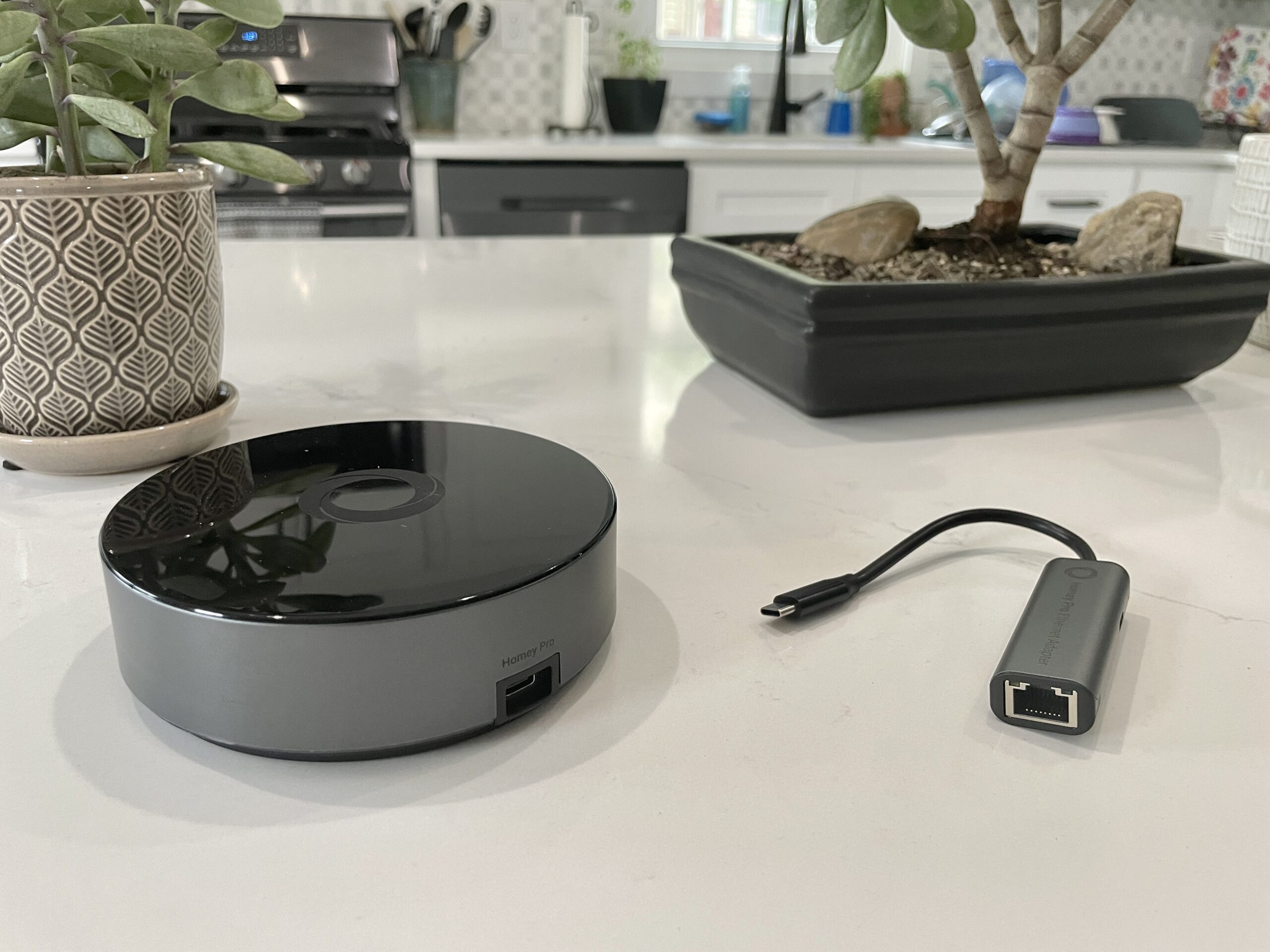
Both Homey models share a similar core functionality, enabling users to add and manage devices and configure automations. The radio hardware is also largely consistent, featuring Wi-Fi, Bluetooth, infrared, Zigbee, and Z-Wave for the U.S. market. However, the Homey Pro distinguishes itself with the inclusion of an 833MHz Thread radio, crucial for future Matter over Thread compatibility. Furthermore, it eliminates the restrictive five-device limit imposed on the Homey Bridge, which requires a $2.99 monthly subscription for each additional connected device. The Homey Pro’s only subscription option is a $0.99 monthly fee for optional cloud backups. An additional $29 grants users Ethernet connectivity, offering a more stable wired network connection.
Seamless Setup and the Crucial Device Compatibility Hurdle
The initial setup process for the Homey Pro is designed to be user-friendly, mirroring the experience with the Homey Bridge. Users power the device via the included USB-C cable and charger, download the Homey mobile application, and answer a few straightforward questions. The app’s intelligent onboarding process, which inquires about home layout, including the number of floors and the rooms on each, is a notable time-saver compared to the more manual room assignment often found in competing smart home platforms.
Once connected to a home network—the Homey Pro supports both 2.4 GHz and 5 GHz Wi-Fi bands—the process of integrating smart devices begins. Homey claims support for over 50,000 devices, a number that appears impressive at first glance. However, real-world testing revealed a significant caveat: the actual compatibility with the reviewer’s existing smart home ecosystem was only about 50%.

While popular devices such as Lutron Caseta switches, Philips Hue bulbs, and Sonos speakers were successfully integrated, a substantial portion of the reviewer’s setup failed to connect. This included a Schlage door lock, Ecobee thermostat, Nanoleaf lighting products, a Govee electric kettle, Wyze cameras, Eve Home devices, a Logitech video doorbell, and nearly all smart plugs.
The issue with Matter-certified smart plugs was partially explained by the anticipated later release of Matter support on the Homey Pro. However, the lack of support for other devices, even those not relying on Matter, presented a more significant challenge. For instance, while Nanoleaf as a brand is listed, specific devices like regular Nanoleaf bulbs and smart lights were not recognized. Similarly, a Meross Garage Door opener and a Cync by GE smart plug (a non-Matter device) lacked integrations. The Schlage Encode Wi-Fi lock, despite appearing in the app, failed to connect after authentication, and the Govee Wi-Fi kettle integration returned an error message. Even the Ecobee Thermostat Premium, a newer model, was not supported, with only older Ecobee 3 Lite and Room Sensors listed as compatible. The reviewer noted that a greater reliance on Zigbee and Z-Wave devices might yield better results, as these protocols are generally well-supported.
This experience underscores a critical point for potential buyers: the advertised broad device support does not guarantee compatibility with every specific model. The absence of a readily accessible, searchable list of integrations on the Homey website initially compounded this issue. An update from Homey representatives clarified that integrations are detailed under the "Apps" section of their website, advising users to thoroughly check for their specific devices within the free Homey app before committing to a purchase. When devices do work, they respond with near-instantaneous performance, a testament to the Pro’s capabilities.

Developer-Friendly Options and a Polished User Interface
For those with technical expertise, Homey Pro offers the capability to create custom integrations. The device’s web interface provides an API key and example code for developers to build their own device integrations using JavaScript and Node.js, suggesting that the Homey Pro operates as a Node.js server. This open approach caters to hobbyists and developers, although it is unlikely to be utilized by the average consumer.
Beyond the connectivity challenges, the Homey app itself is a strong point. It presents a modern and intuitive interface, offering access to both basic and advanced smart home controls. The ability to easily assign devices to rooms and floors is a user-friendly feature, although the reviewer noted that this assignment often needs to be done post-integration rather than during the initial setup.
A particularly interesting feature is the estimated smart home energy usage monitoring. While requiring manual input of wattage for each device, this feature provides near real-time and historical data on power consumption. The system intelligently adjusts energy usage estimates based on device output, such as dimming lights, and this data is accessible via both the mobile app and the web interface. The web interface further enhances this by displaying local temperature, barometric pressure, and humidity. Homey representatives have indicated that if a device can report actual electricity usage, Homey will display and utilize that data, further refining the accuracy of this feature.

Advanced Automation with Homey Flows
Homey’s automation engine, dubbed "Flows," is a sophisticated system that draws comparisons to the robust automation capabilities found in platforms like Home Assistant. Unlike the simpler "If this, then that" (IFTTT) structures common in mainstream smart home assistants from Amazon, Apple, and Google, Homey Flows employ a "When… and… then…" logic. This framework supports more complex conditional logic, including "else" conditions, and allows Flows to trigger other Flows, enabling intricate automation sequences. The reviewer successfully implemented several Flows, highlighting their reliability. These Flows can be configured within the mobile app, or for advanced users, through a more complex interface on the Homey web portal, which also provides full device control and viewing capabilities.
The Verdict: Potential Hinges on Device Ecosystem
The Homey Pro presents a compelling vision for a locally controlled, privacy-focused smart home hub. In a market that has largely shifted towards cloud-centric services, the resurgence of powerful, on-premise devices like the Homey Pro is a welcome development. The device’s comprehensive radio suite, advanced automation engine, and polished user interface are significant strengths.
However, the Homey Pro’s primary limitation—its device compatibility—cannot be overlooked. For a $399 investment, users must meticulously verify that their existing and planned smart home devices are supported. The current situation, where approximately half of the reviewer’s diverse smart home setup was incompatible, presents a significant hurdle for widespread adoption. While the promise of future Matter support and ongoing integration development offers hope for expanded compatibility, there are no guarantees.

For consumers prioritizing local control and privacy, and whose device ecosystem aligns with Homey’s current support, the Homey Pro could be an excellent choice. For others, particularly those heavily invested in a broad range of smart home gadgets, the current device support may necessitate a more cautious approach. As the reviewer concluded, sticking with more cost-effective solutions like a well-configured Home Assistant setup, which offers broader device compatibility at a lower entry point, remains a viable alternative for many. Ultimately, the Homey Pro’s success will depend on Athom’s ability to continually expand its device integration library and clearly communicate its compatibility landscape to prospective customers.
This article was updated on August 16, 2023, at 11:00 AM ET to incorporate clarifications and corrections following communication with Homey representatives.
